Study Notes Online: A Student Guide
Discover how to find, evaluate, and use study notes online. Learn to match resources to your exact course and study smarter for university exams.
Three weeks before finals, the pressure usually arrives all at once. Lecture slides feel incomplete, your own notes look chaotic, and a search for extra help can turn into an hour lost in the wrong files. That's why study notes online matter most when they're treated as course tools, not shortcuts. Used well, they help you fill gaps, test recall, and stay aligned with what your lecturer expects.
The Evolution of Digital Course Materials
A student opens an old folder on a Sunday night and finds three versions of the same topic, two incomplete, one from the wrong year, and none matching the current module title. That kind of frustration reflects a larger shift in higher education. Online course materials did not begin as a convenient extra, they grew out of distance education and became part of ordinary study.
From distance learning to everyday study
The shift began early. In the United States, the University of Phoenix used CompuServe for online programs in 1989, before the World Wide Web became publicly available in 1991. By 2002, more than 1.6 million postsecondary students were enrolled in online courses, and participation kept rising as students expected course content to be available beyond normal class hours digital commons study on the growth of online course enrollment (opens in a new tab).
That change also altered how students judge usefulness. If notes, summaries, and revision guides live online, students need more than access. They need searchability, structure, and clear course-level relevance. Materials organized by institution, module, and academic year fit real study habits, because a broad subject label rarely matches a syllabus exactly.
Practical rule: if a resource cannot be tied to the exact class you are taking, it may still help as background reading, but it should not be treated as exam-ready material.
Online learning made that expectation normal
Participation in online learning expanded sharply before and during the COVID-19 period. In fall 2019, about 37% of U.S. college students were enrolled in at least one online class, and by 2020 nearly 75% were doing so Inside Higher Ed on online learning participation (opens in a new tab). That does not measure notes directly, but it explains why digital study materials now feel normal in academic life.
The broader scale is similar. Class Central's year-end review reported 220 million learners enrolled in massive open online courses by the end of 2021, with courses produced by 950 universities and 70 MOOC-based degree programs Class Central year-end MOOC review (opens in a new tab). Students now expect teaching materials to be searchable, downloadable, and available when campus buildings are closed.
Types of Online Study Resources Explained
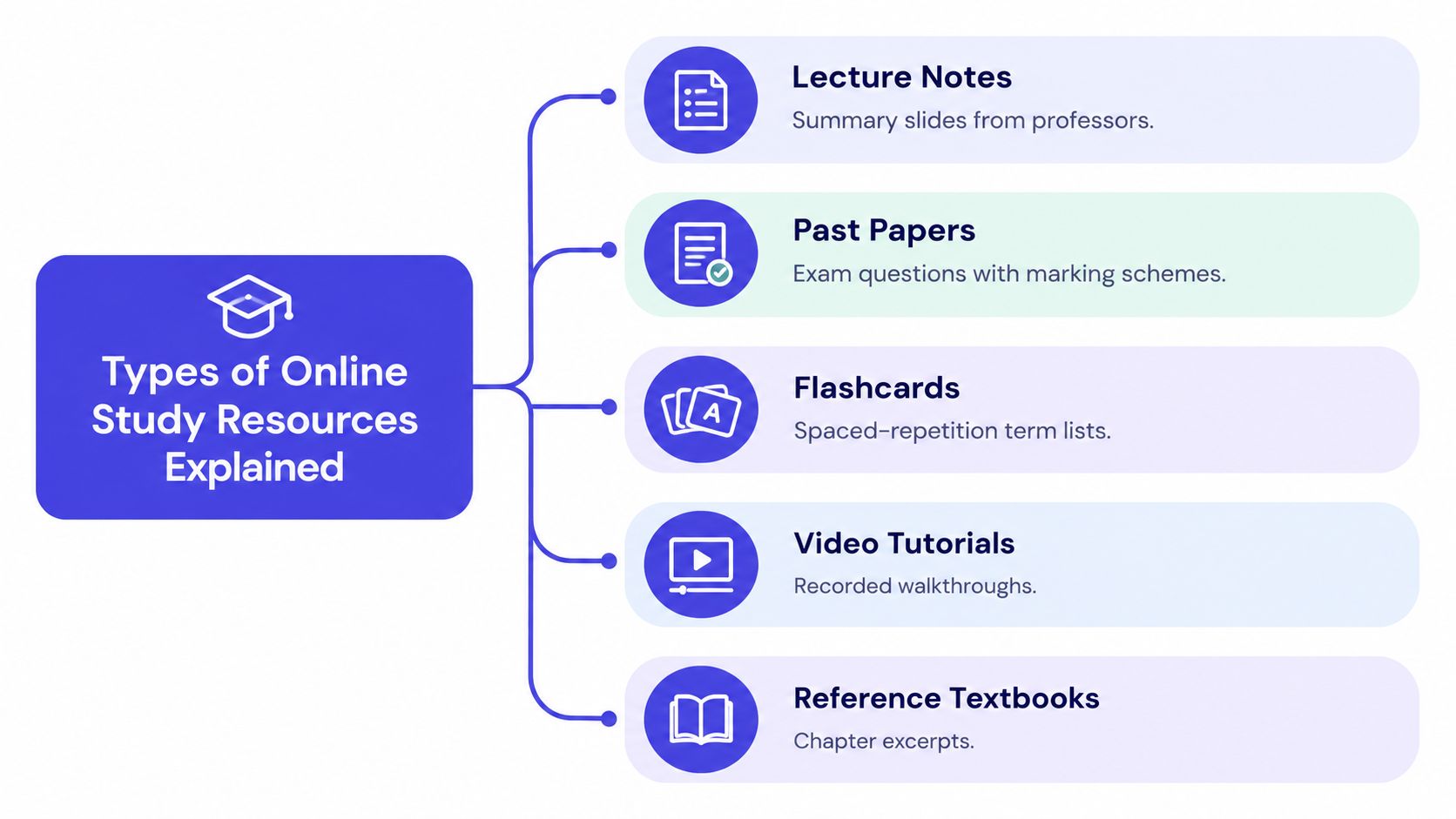
Not every digital study file does the same job. A lecture summary, a flashcard set, and a past paper may all sit under the umbrella of study notes online, but each one supports a different stage of learning. If you use them interchangeably, revision gets slower instead of faster.
Match the format to the task
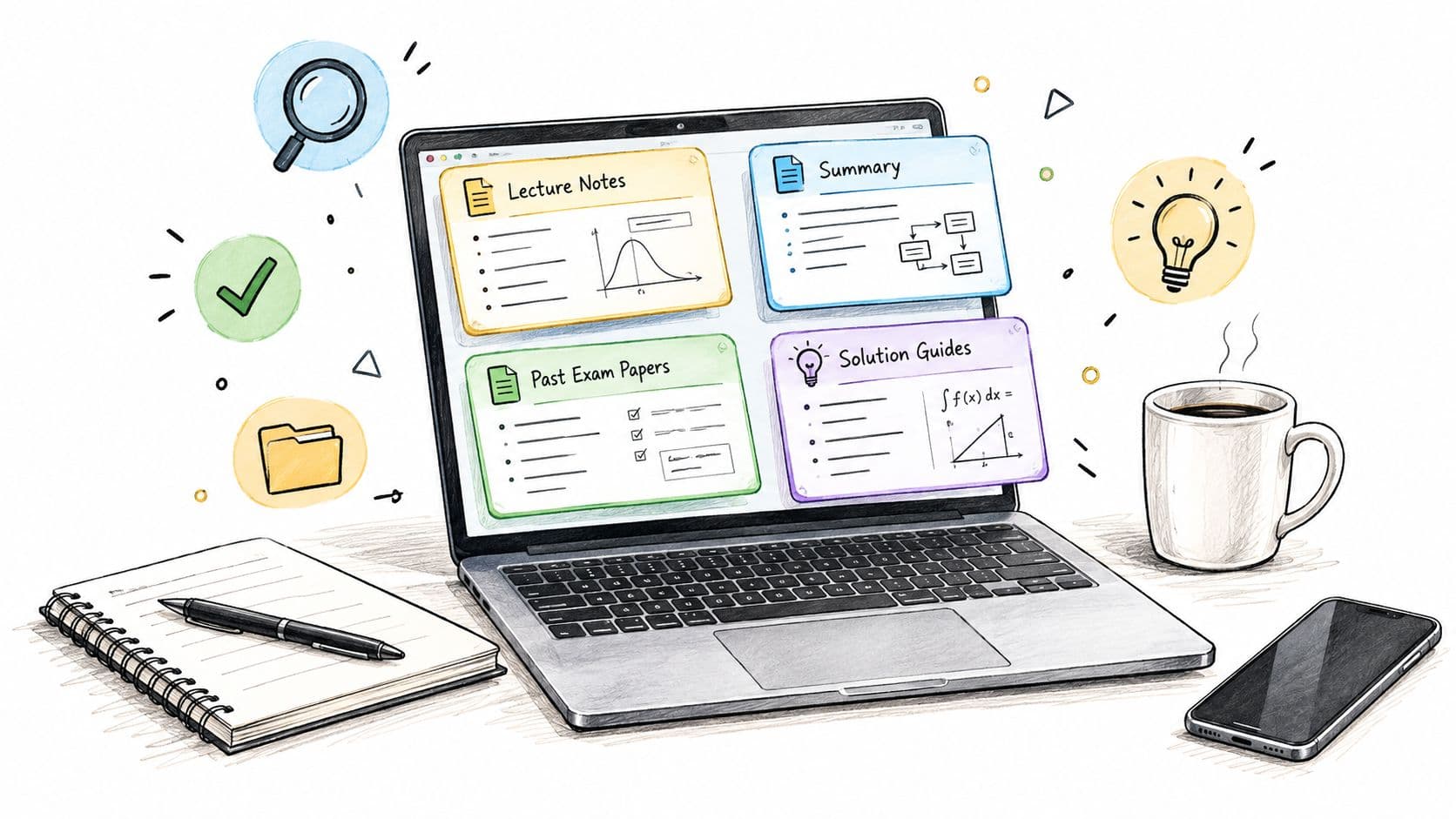
Lecture notes are best for understanding what was covered in class and filling gaps in your own notebook. They're useful when you missed a session, couldn't keep up, or need to see how a concept was explained in a specific module. Revision summaries are tighter and work better when you already know the material and need a compressed version for memory work.
Past papers serve a different purpose. They test timing, wording, and exam technique, so they belong near the end of your revision cycle, not at the beginning. Flashcards are strongest for definitions, formulas, and quick recall, while recorded walkthroughs help when a topic needs to be seen step by step rather than read in silence.
For students comparing places to find resources, this guide to study websites for students is a useful starting point because it separates resource types instead of treating every file as the same thing.
Use the right tool for the right question
A simple way to think about it is this, different materials answer different study questions.
- Lecture notes: What did the lecturer say, and what examples were emphasized?
- Past papers: Can I answer under time pressure and use the right exam language?
- Flashcards: Do I know the term, formula, or definition without looking?
- Video tutorials: Can I watch the process unfold when text feels too abstract?
- Reference textbooks: Do I need the fuller explanation behind the class summary?
That distinction matters because a student who wants to learn a concept from scratch needs a very different resource from a student who's checking exam style. The mistake isn't looking online, it's looking for the wrong format.
Finding Materials for Your Exact Module
Broad searches are where most students waste time. Typing “economics notes” or “biology revision” can pull up material from the wrong institution, the wrong textbook edition, or a completely different assessment style. That's why course-specific searching matters more than keyword volume.
Build your search around course metadata
Start with the details already in your syllabus, module handbook, or learning platform.
- University or institution: This separates identical subject names across campuses.
- Course code and module title: These usually narrow the match faster than the subject name alone.
- Textbook edition: A revised edition can change diagrams, terminology, or chapter order.
- Academic year: Notes from a previous year can be useful, but only if the course hasn't changed.
- Assessment format: Essay-based, problem-based, or multiple-choice resources serve different revision needs.
The point is simple, broad labels hide important differences. A “psychology” note set can be completely unsuitable if your course uses different terminology, a different lecturer, or another assessment pattern.
Course-level organization solves the search problem
Platforms that organize materials by institution and module make the search process far more usable because they reduce irrelevant results. That's the reason CramShare groups resources by course code, university, subject, textbook, and academic year, rather than by a generic subject bucket. A structure like that helps you compare materials against the actual class you're taking instead of guessing from a title.
Check the syllabus first, then search. If you reverse that order, you'll spend more time filtering than studying.
For a practical walkthrough of how students search by class level and module details, see this overview of college notes online. Once you know the exact identifiers, searching becomes less about luck and more about matching.
Evaluating Quality and Course Relevance
A document can look polished and still be wrong for your class. That's the hard part of digital study resources, availability doesn't guarantee usefulness. The strongest student habit is not collecting more files, it's checking whether each file matches the module you're enrolled in.
Use the preview before you commit
A good preview should let you judge more than the title. Open several pages, check whether the text is legible, and look for examples, formulas, diagrams, and answer explanations where you'd expect them. If the preview is too thin to tell what the material covers, treat that as a warning sign.
The content itself should line up with your current course information. Match the course code, module title, lecturer's terminology, assessment style, and academic year. A concise, well-targeted summary is usually more valuable than a long transcript that includes outdated examples or irrelevant sections.
Trust relevance over length
More pages don't automatically make better notes. A shorter document that matches the exact syllabus often beats a bulky set of outdated lecture copies. The best test is whether you could use the material to answer the questions your lecturer is likely to ask.
Practical rule: if two summaries disagree, trust the one that matches your current syllabus, your lecture slides, and your required reading list, not the one that simply looks more polished.
Students with accessibility needs should also check whether the document can work with screen readers and whether headings, tables, and diagrams are structured clearly. If a file is hard to move around in now, it'll be harder during exam week.
Transforming Notes into Active Retrieval
Reading the same highlighted page again and again feels productive because it's familiar. It usually isn't. The gain comes when you force yourself to pull information out of memory before checking the answer.
Turn passive notes into a test
The most useful way to use study notes online is to treat them like prompts. Cover the answer, read the question, and try to reconstruct the idea before looking back. This works especially well for module-specific notes because the questions can mirror your lecture objectives, definitions, and formulas.
A practical workflow looks like this:
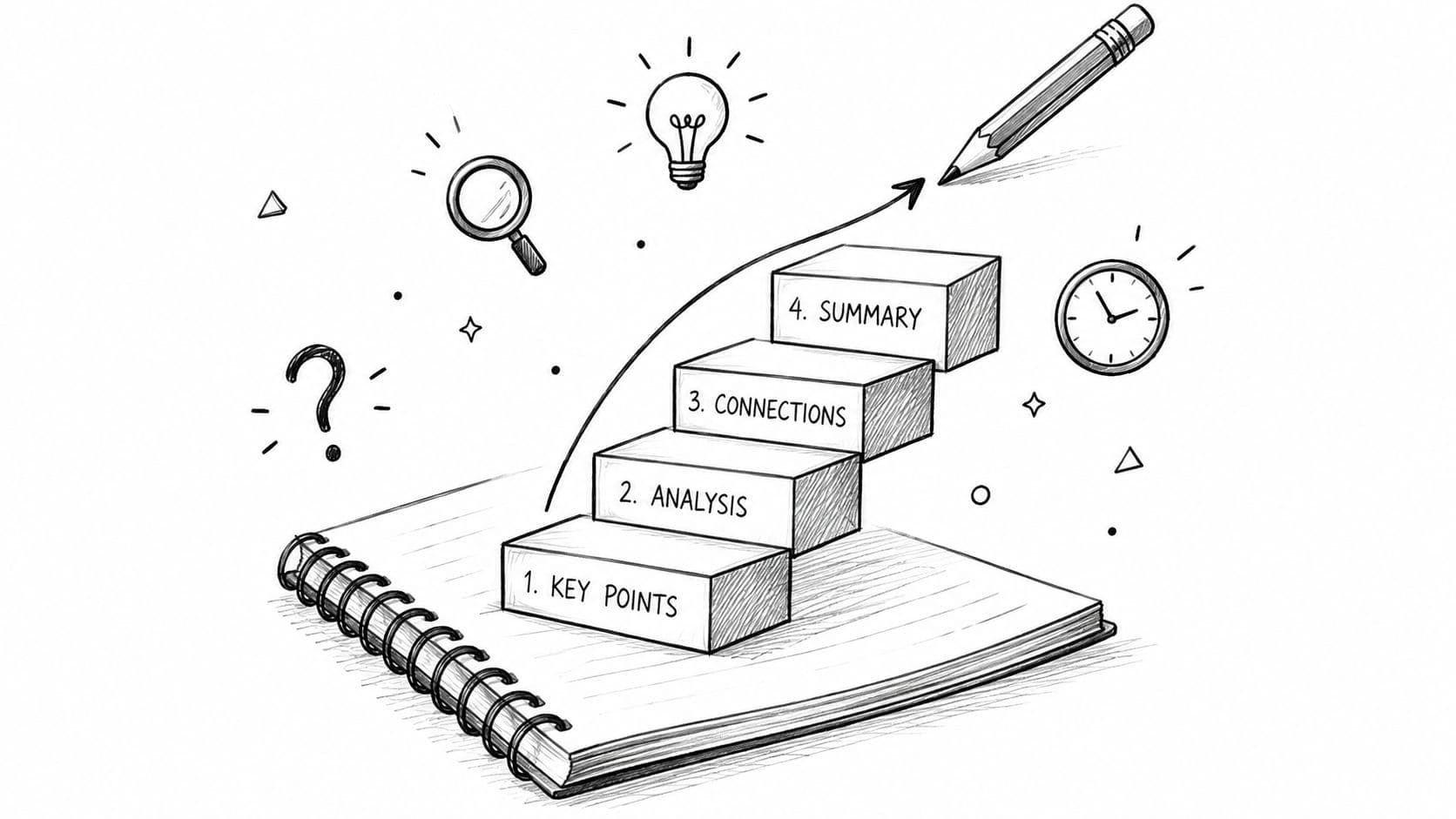
- Read once for structure. Skim headings and subheadings so you know the topic map.
- Cover the notes. Hide the answer, diagram, or worked example.
- Recall from memory. Write the definition, solve the problem, or redraw the process.
- Check and correct. Compare your attempt with the original and fix gaps immediately.
That loop matters because retrieval strengthens access to the material, while feedback stops mistakes from sticking. The benefit is strongest when the prompts match the exact wording and level of your course material.
Make each document do more work
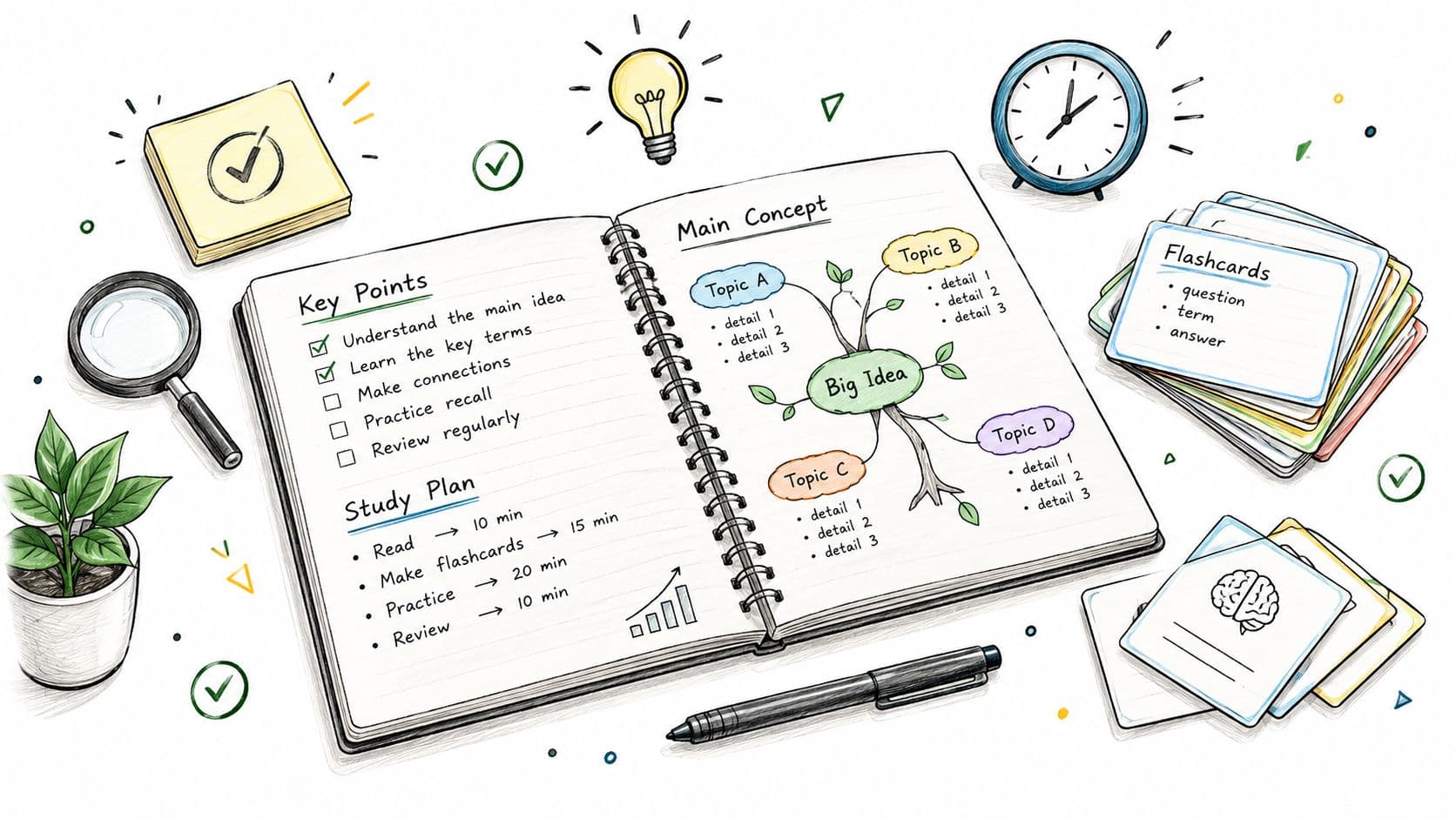
You can turn almost any summary into a revision tool. Headings become flashcard prompts, diagrams become blank spaces to rebuild, and worked examples become practice problems you solve without looking first. A notes file stops being passive once you ask your brain to produce the answer before the page reveals it.
The mixed evidence on digital versus handwritten notes points in the same direction, note quality and active processing matter more than the device itself. Whether you study on a tablet or from a PDF, the winning habit is the same, retrieve first, verify second.
Navigating AI and Academic Integrity
Generative AI has changed how students handle notes, but it hasn't changed the need for judgment. The risk isn't only cheating, it's also drifting away from the original meaning of the course material because a tool rewrote it in a way that looks clear but isn't accurate.
Use AI as a study aid, not a substitute
A safe use is asking a tool to generate quiz questions from your notes or explain a difficult formula in simpler language. A risky use is handing in AI-generated work as if it were your own or accepting a summary without checking it against the lecture slides and required readings.
That caution matters because student use of generative AI is widespread. A 2025 survey of 1,041 UK undergraduates found 92% had used generative AI in some form, up from 66% in 2024, and 88% had used it for assessments, compared with 53% the previous year. 18% reported directly including AI-generated text in assessed work HEPI policy note on student AI use (opens in a new tab).
A better workflow is straightforward:
- Create your own notes first: Keep the original meaning intact before any AI tool touches them.
- Use AI for practice questions: Turn headings or key concepts into self-test prompts.
- Verify every claim: Check the summary against lecture slides, readings, or official course materials.
- Follow your institution's policy: Some courses allow limited support, others require disclosure or prohibit certain uses.
The safest habit is to treat AI as a checker and explainer, not as the source of record. That keeps the academic work anchored to your course materials, not to a machine-generated version of them.
For students who want a clearer sense of why the boundary matters, this overview of academic integrity is a useful companion piece.
Watch the video on YouTube (opens in a new tab)
Organizing Your Digital Study Library
A messy downloads folder can ruin a good study session before it starts. If you have to search through ten unnamed PDFs every time you revise, you're spending focus on file management instead of learning. A simple structure fixes that problem fast.
Build a system you can keep
Use folders by semester, then by module code, then by document type. Keep names consistent so files sort cleanly and don't blur together.
A practical naming pattern looks like this: 2025_Sem1_ACCT101_LectureNotes 2025_Sem1_ACCT101_PastPaper 2025_Sem1_ACCT101_RevisionGuide
That kind of structure makes old files easier to retire, because you can spot outdated materials quickly. It also reduces accidental use of the wrong document when two versions have similar titles.
Cut distraction at the device level
Your study library works best when the device itself stays calm. Turn off notifications during revision blocks, use focus mode, and save only the files you need for the module you're currently studying. If you're on a laptop, keep browser tabs tight and avoid leaving unrelated study windows open in the background.
The best digital folder is the one you don't have to think about during revision.
Delete or archive materials that no longer match the syllabus, especially when a lecturer has changed the assessment style or reading list. A smaller, cleaner library usually beats a huge archive because it lowers decision fatigue and keeps you close to the documents that matter now.
If you want a course-focused place to find, review, and organize study notes online, CramShare gives students a structured library built around module details rather than broad subject labels. Visit CramShare to look for course-matched notes, compare previews, and build a cleaner revision workflow around the exact class you're taking.