10 Spaced Repetition Tools for Smarter Study
Compare 10 spaced repetition tools by features, use cases, limitations, and setup tips for university, language, and exam study.

The best spaced repetition tool usually isn't the one with the biggest community or the most polished homepage. It's the one that fits the way you study. Students often get told to pick one app, import a giant deck, and trust the algorithm. That advice skips the harder question: what are you trying to remember, and what work are you willing to do to remember it?
That distinction matters because "spaced repetition tools" aren't one category in practice. Some are dedicated schedulers built for card engineering and long review queues. Others are note-taking systems with review bolted into the same workspace. A few are really reading tools that resurface highlights, while some are best understood as rapid-practice platforms with light spacing rather than full scheduling control. Language tools deserve their own lane because grammar, sentence mining, and vocabulary retention don't behave like anatomy or contract law.
The evidence supports taking these differences seriously. A 2024 systematic review and meta-analysis in medical education synthesized 14 studies in the review and 13 in the meta-analysis across 21,415 learners, finding a statistically significant advantage for spaced repetition over standard studying techniques, with a standardized mean difference of 0.78 (medical education meta-analysis on spaced repetition (opens in a new tab)). That's strong support for the method. It isn't proof that every flashcard app serves every workflow equally well.
Use this comparison to choose by workflow: customization, course-material import, review control, collaboration, and subject fit. And if you're building decks from class materials, course-specific notes, summaries, and practice resources can improve card quality. Shared materials can help too, as long as you use them legitimately and still do your own coursework.
1. Anki
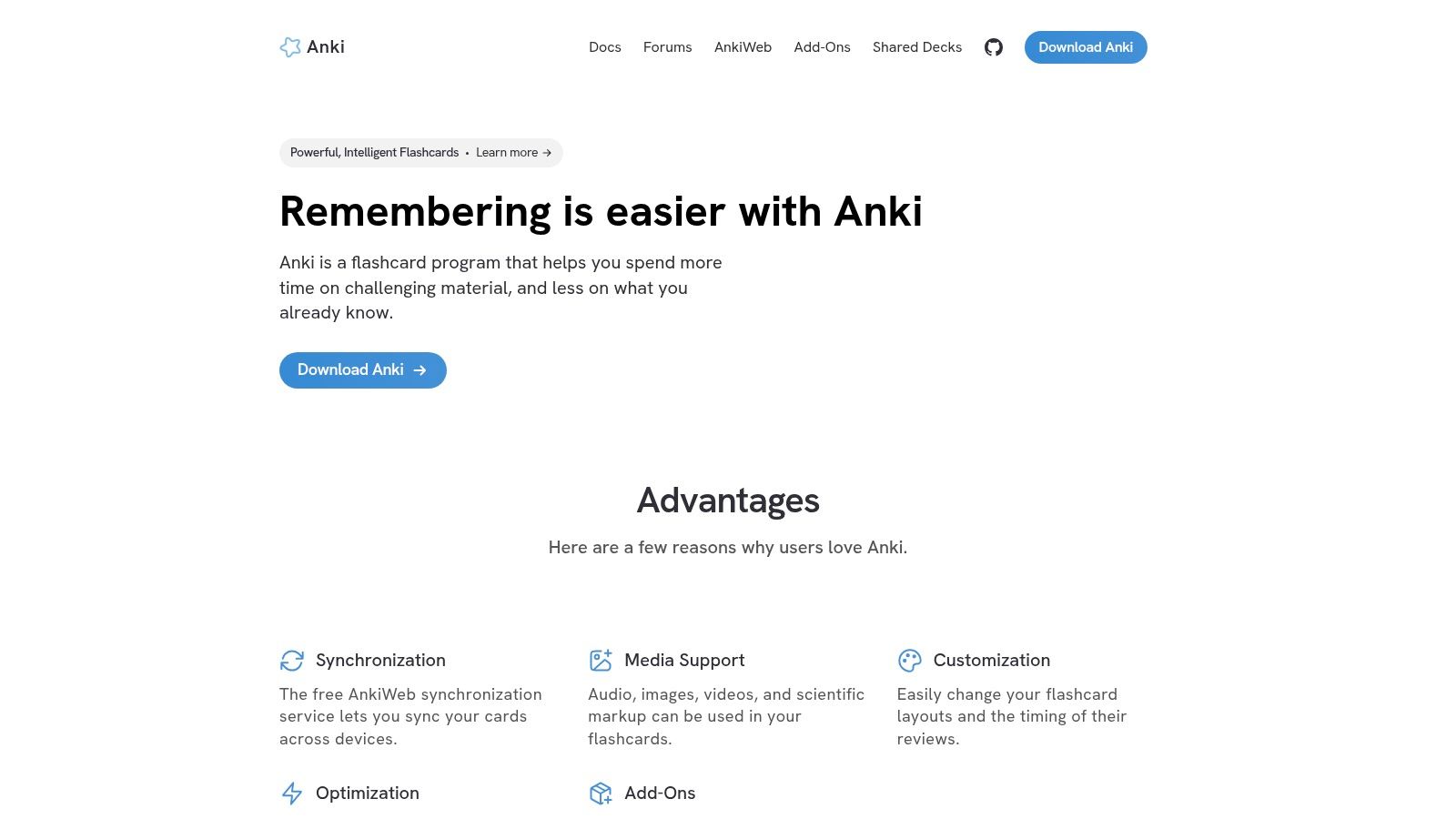
Anki (opens in a new tab) is often recommended as if it were the default spaced repetition choice. That misses the distinction. Anki is not mainly a convenient flashcard app. It is a scheduling and card-construction system for students who want to control how knowledge is broken apart, tested, and resurfaced over time.
That makes it a better fit for custom card engineering than for casual review. If your workflow begins with lecture slides, problem sets, anatomy images, or dense notes that need to be turned into precise prompts, Anki has clear advantages over tools that prioritize speed and simplicity. You can define note types, build cloze patterns, create filtered decks, organize by tags, and adapt templates to a subject instead of forcing every topic into the same front-back format.
FSRS support matters here because it pushes Anki further toward scheduler control. Students who care about interval logic can configure reviews more deliberately than they can in lighter flashcard apps, where spacing is often hidden behind preset modes. The trade-off is obvious. More control means more setup, more maintenance, and more chances to build a messy system if your tagging and deck structure are inconsistent.
Where Anki fits best
Anki works best for students who are willing to do the upstream work before review starts. The difficult part is rarely pressing "Again" or "Good." It is deciding what deserves its own card, which facts should stay grouped, and how much context a prompt needs to stay answerable without becoming vague.
- Best use case: Building and refining decks from your own course materials
- Best advantage: Detailed control over scheduling, card formats, and review structure
- Main trade-off: High setup friction, especially for new users
A 2025 medical education cohort study found very high Anki adoption, heavy reliance on pre-made decks, and weaker consistency in keeping up with daily reviews after a module ended (medical student Anki usage study (opens in a new tab)). The useful conclusion is not just that Anki is popular. It supports intensive exam-focused workflows well, but many students still struggle with backlog management and long-horizon consistency. That is a practical limitation, not a minor footnote.
Content workflow matters as much as the scheduler. Anki is strongest when the source material is already organized enough to convert into clean prompts. Students often get better results by standardizing lecture notes first, then extracting cards from course-matched study notes in PDF form. Without that preparation, Anki's flexibility can slow the process and produce bloated decks full of low-value cards.
2. SuperMemo
SuperMemo (opens in a new tab) is the clearest example of a spaced repetition tool that prioritizes scheduling control over general flashcard convenience. That distinction matters because students with reading-heavy workloads often have a different bottleneck. The problem is not tapping through reviews. The problem is turning dense source material into prompts without losing the structure of the original text.
SuperMemo is strongest for reading retention. Its defining workflow is incremental reading, which lets you import long articles, textbook excerpts, or research notes and break them into scheduled fragments over time. Instead of forcing a full extract-then-review process upfront, it supports gradual conversion from reading to highlights to question-answer items.
That changes where spaced repetition starts.
Most flashcard apps enter the workflow after note-making and card selection are already finished. SuperMemo reaches earlier. For students handling journal articles, theory-heavy chapters, or primary sources, that makes it less interchangeable with tools built around fast card review.
Research on spacing helps explain why this approach has a serious audience. A 2019 natural experiment published in PNAS used platform data to optimize spaced repetition algorithms and found clear gains over alternative scheduling approaches. The larger point is narrower than "better algorithm equals better learning." Scheduling matters most when the material survives long enough in the system to benefit from repeated exposure, and SuperMemo is designed around that assumption from the reading stage onward (PNAS research on optimized spaced repetition algorithms (opens in a new tab)).
The trade-off is obvious once you use it. SuperMemo asks for tolerance for an older interface, more setup judgment, and a workflow that feels closer to knowledge processing than casual review. Students who want quick mobile practice, polished onboarding, or frictionless deck sharing may find that cost too high.
Choose SuperMemo if your main study problem is retaining what you read, not producing large volumes of cards quickly. It suits learners who want the scheduler involved before a fact becomes a flashcard.
3. RemNote
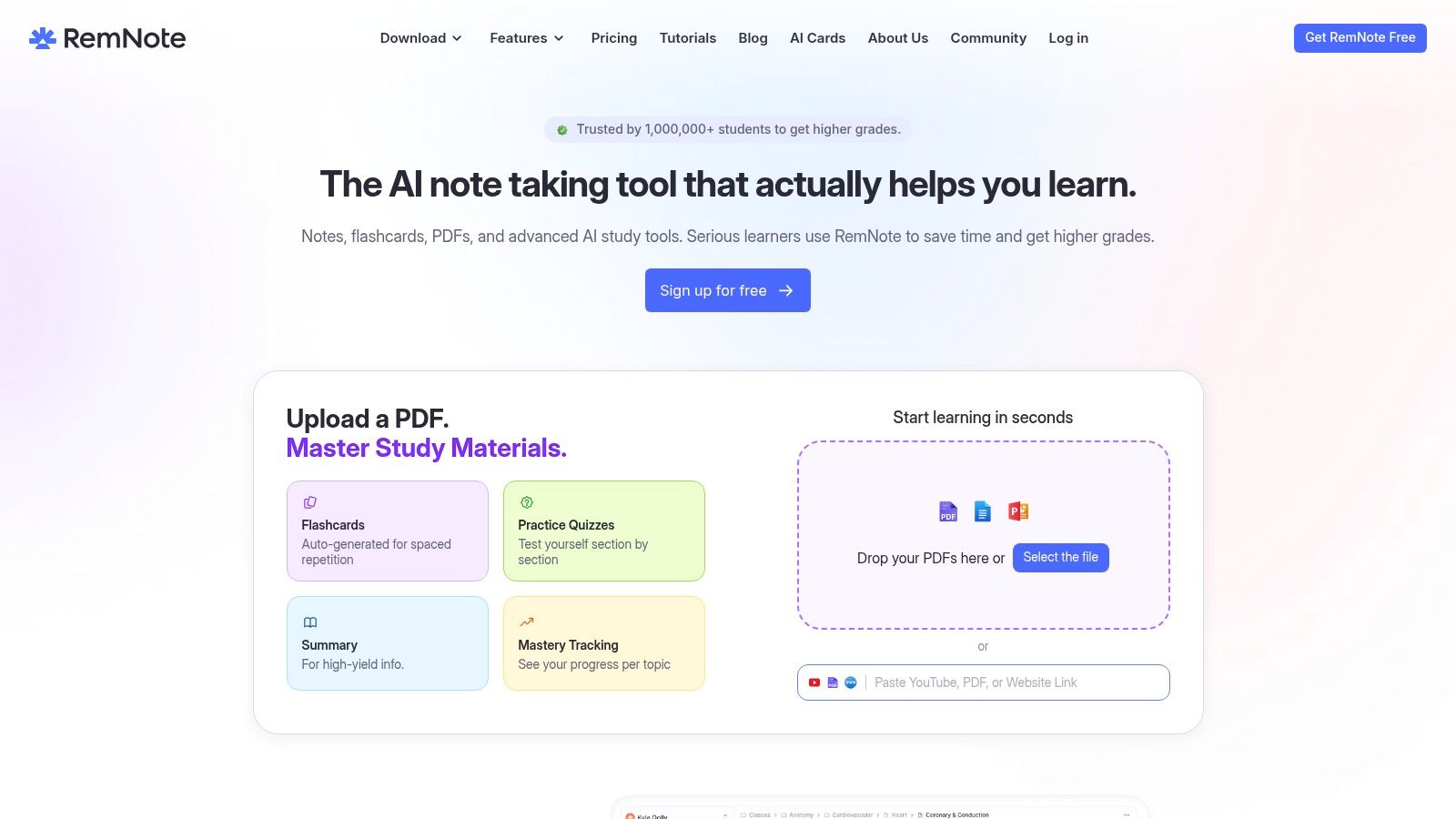
Students often overestimate the value of the scheduler and underestimate the cost of maintaining separate systems. RemNote addresses the second problem first. It combines outlining, source notes, PDF annotation, card creation, and review in one place, which changes the kind of student workflow it supports.
That makes it less a direct Anki competitor than a tool for integrated notes. If your study process starts with lectures, textbook excerpts, or reading notes, RemNote reduces the handoff losses that happen when ideas move from document to notes app to flashcard deck. The gain is practical rather than theoretical. Fewer transfers usually mean more cards get made and reviewed.
Its strongest use case is course material that already has structure. A lecture outline can become nested prompts. A chapter summary can become concept checks, definitions, and cloze-style recall without rebuilding everything from scratch. Students handling dense reading loads often benefit more from that compression than from marginal differences in scheduling logic.
The limitation is real. Integrated systems usually give up some precision and ecosystem depth in exchange for convenience. RemNote offers image occlusion, linked notes, and review tools tied closely to source material, but some higher-end features sit behind paid tiers or credits, and power users who want extensive customization may still prefer a tool built around card engineering first.
A useful way to judge RemNote is by asking where your bottleneck is. If you already write excellent atomic cards and want fine control over templates, intervals, and add-ons, Anki remains the stronger fit. If your problem is that notes pile up faster than cards get produced, RemNote handles that bottleneck better.
The research context supports a cautious version of that argument. A recent review found that spaced-repetition evidence is still fragmented, with stronger support for consistent, structured use over time than for casual self-directed flashcard habits (review on fragmented evidence and structured use (opens in a new tab)). For RemNote users, the implication is straightforward. Better integration does not guarantee better retention, but it can make sustained review more realistic by reducing setup friction.
RemNote works best for students who want their notes to become study prompts while the material is still fresh. That workflow still depends on note quality. Cleaner source notes usually produce cleaner cards, which is why a solid process for turning textbook reading into usable notes matters before any review system starts.
4. Mochi
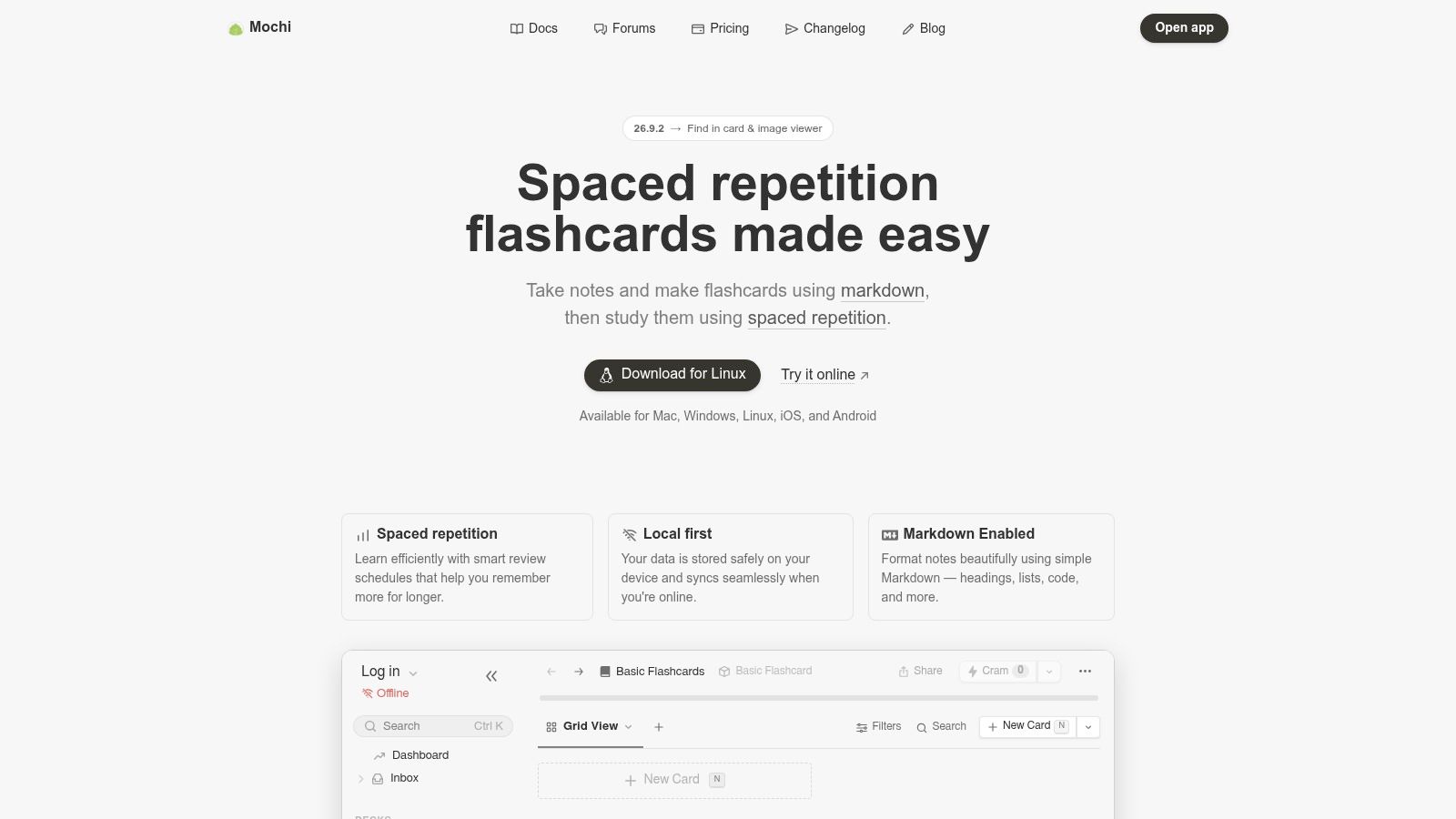
A clean interface does not automatically produce better recall. It does, however, change whether card creation becomes a habit or a deferred task. Mochi is best understood through that workflow question. It serves students who want to write and edit their own material in a note-like environment, but who do not want the setup depth, plugin culture, or interval tuning that define heavier systems.
Mochi (opens in a new tab) centers the study process on Markdown notes, linked ideas, and cards generated from that structure. That makes it meaningfully different from tools built around public deck libraries or tightly integrated lecture-note hierarchies. If Anki is strongest for custom card engineering and RemNote is strongest for turning notes directly into prompts inside one academic workspace, Mochi sits closer to a personal knowledge base with review attached.
That distinction matters because "supports spaced repetition" can mean two different things in practice. Some tools give you extensive control over scheduling behavior, templates, and extensions. Mochi gives you enough review structure for regular study, while putting more of its design effort into writing flow, editability, and a calm interface. For many students, that is a fair trade. For students who want to inspect or heavily modify the scheduling system itself, it is a limitation.
The best fit is fairly specific: small to medium personal decks, concept-heavy humanities or social science courses, and language study where quick card drafting matters more than advanced algorithm control. Mochi also suits students who already keep atomic notes in plain text and want review to emerge from that material instead of maintaining a separate, highly engineered flashcard system.
Its weaknesses are the reverse side of that simplicity. The surrounding ecosystem is smaller than Anki's, shared deck culture is less central than in Brainscape or Quizlet, and highly particular review setups will hit the ceiling sooner. The upside is lower maintenance. If your bottleneck is not memory theory but resistance to opening the app and editing cards consistently, Mochi can solve the more practical problem first.
5. Brainscape
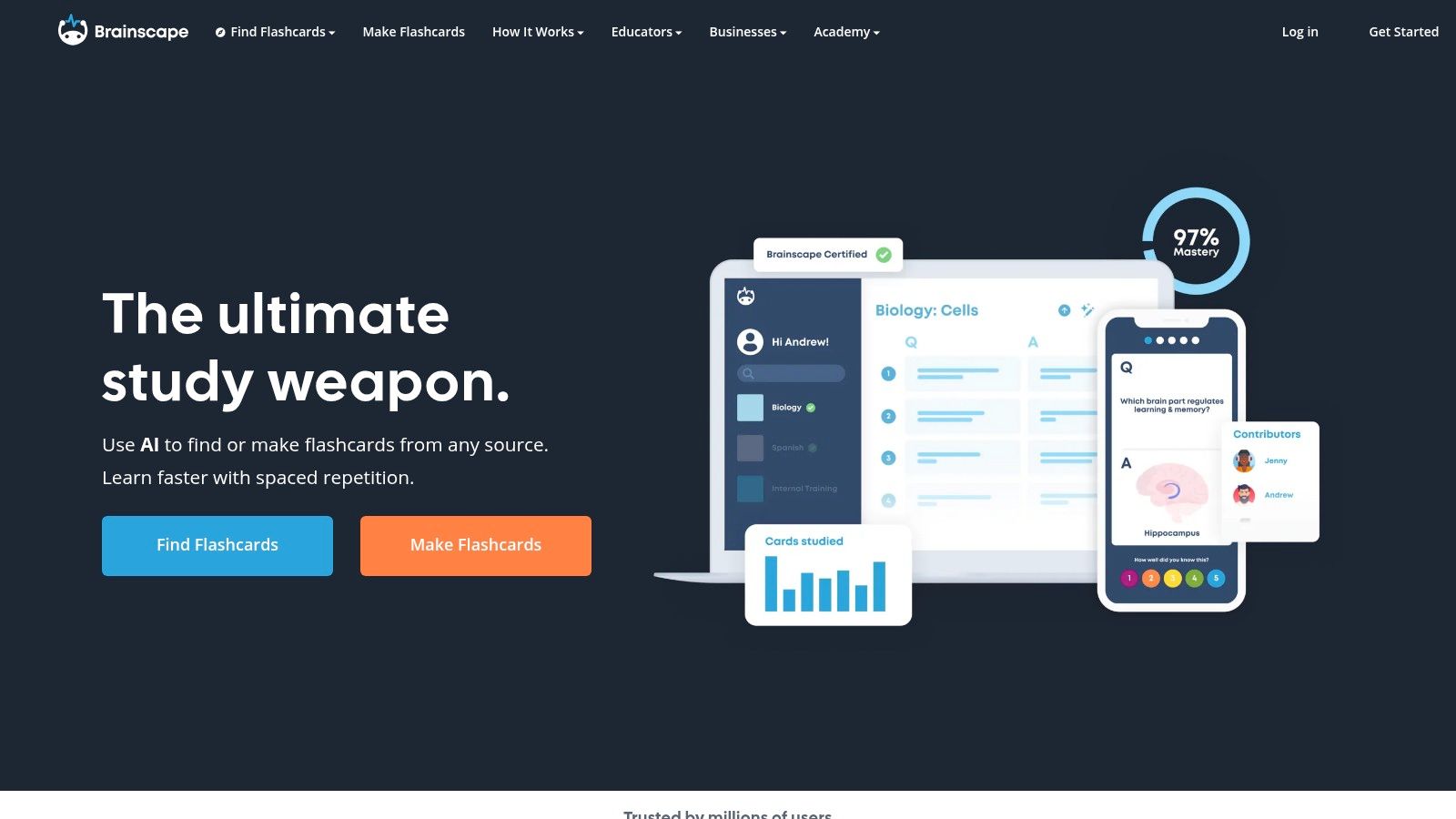
Serious SRS users often underrate Brainscape (opens in a new tab) because it offers less scheduling control than Anki or SuperMemo. That criticism is fair and still incomplete. Brainscape serves a different workflow: rapid practice from shared material, with enough repetition structure to keep review sessions organized.
The key question is not whether Brainscape matches high-control systems. It does not. The better question is whether your study problem is card engineering or card availability.
Brainscape works best when speed matters more than custom scheduling. Its confidence-based review model asks you to rate how well you know an answer, then adjusts repetition accordingly. In practice, that lowers setup effort. Students can start with existing decks, run short mobile sessions, and refine only the cards that prove weak or poorly worded.
That workflow suits broad exam prep, survey modules, and group study. If several people need access to the same deck, Brainscape handles shared content more naturally than tools built around solo deck maintenance. It is also useful in subjects where definitions, short explanations, and standard pairings make up a large share of the recall load.
Its limitations are clearer once the material gets specialized. Courses that depend on carefully scoped prompts, image occlusion, multi-step reasoning, or unusual interval preferences will expose the ceiling quickly. Students who learn by writing their own cards from scratch may also find Brainscape too oriented toward consumption first and customization second.
One trade-off matters more than the interface. Shared decks save time, but they also weaken quality control. A prompt can be clear enough for casual drilling and still miss your lecturer's terminology, the boundaries of a reading, or the framing of an exam question. Brainscape is strongest when you treat public or certified decks as a starting layer, then edit toward your course rather than trusting the set wholesale.
6. Quizlet
Quizlet (opens in a new tab) stays popular for a reason that strict SRS comparisons often miss. Many students are not trying to engineer a finely tuned review system. They are trying to turn this week's lecture terms, anatomy labels, or language list into usable practice before the next class. Quizlet supports that workflow better than tools built around heavy card design and scheduler control.
That distinction matters. Quizlet is a fast-practice tool first. Its value comes from low setup friction, easy sharing, and several rehearsal modes that make a basic set immediately usable. Learn mode applies spaced review ideas, but the platform is less suited to students who want to inspect interval behavior, build unusual note types, or run a carefully managed backlog across a full semester.
Best for fast set creation
Quizlet fits courses where the recall task is narrow and repeatable. Terminology-heavy biology units, introductory psychology definitions, labeled diagrams, pharmacy lists, and standard foreign-language vocabulary are good examples. It also works well in classes where one student drafts a set and everyone else studies from the same base, because the collaboration overhead is low.
The trade-off shows up once the material becomes idiosyncratic. Public decks can save time, but they often blur distinctions your lecturer cares about, collapse similar concepts into one prompt, or import wording that does not match the exam. Students who rely on shared sets usually get better results if they verify terms against their own materials first. If you need a cleaner reference point while checking a deck, course-specific study notes and summaries can help you see whether the set matches the module.
Quizlet is strongest when speed is the constraint. Anki and SuperMemo give far more control over scheduling. RemNote ties review more closely to notes. Quizlet wins a different comparison: how quickly a student can go from raw class content to repeated retrieval practice with almost no setup burden.
That also defines its ceiling. Students who learn best by writing highly specific prompts, controlling intervals closely, or maintaining long-term cumulative review will usually outgrow it.
7. Readwise Reader
Students often assume a spaced repetition tool must start with card creation. Readwise Reader supports a different workflow. It starts with the material you are already reading, then turns highlights, annotations, and excerpts into something you will see again instead of leaving them buried in PDFs, EPUBs, newsletters, or web articles.
That distinction matters because reading-heavy courses fail in a predictable place. The bottleneck is often not review discipline alone. It is extraction. A student can mark twenty useful passages in a journal article and still retain very little if none of those lines return in a structured way. Readwise addresses that specific gap through recurring highlight review and resurfacing, which makes it more relevant to seminars, law reading, theory modules, and postgraduate research than to memorization-heavy subjects built around precise prompts.
The trade-off is control. Reader helps with retention from reading, but it does not offer the same level of interval visibility or prompt design that makes Anki or SuperMemo attractive for tightly engineered recall. If your exam depends on exact wording, one-concept-per-card discipline, or long-term cumulative scheduling you can tune yourself, Reader will feel more like a feeder system than a final study system.
Used that way, it is more convincing.
A practical workflow is to annotate while reading, review resurfaced highlights over the next few days, and only convert the passages that keep proving important into formal flashcards in another app. That reduces card-writing volume and filters out highlights that felt useful in the moment but do not survive a second pass. For students who over-highlight, that filtering layer can be the value.
Readwise Reader fits students who want to remember arguments, recurring definitions, and key passages from sources they already consume. It fits less well for closed-book exam prep where every item needs a clear question, a definite answer, and predictable scheduling behavior.
8. Mnemosyne
Some students do better with less software.
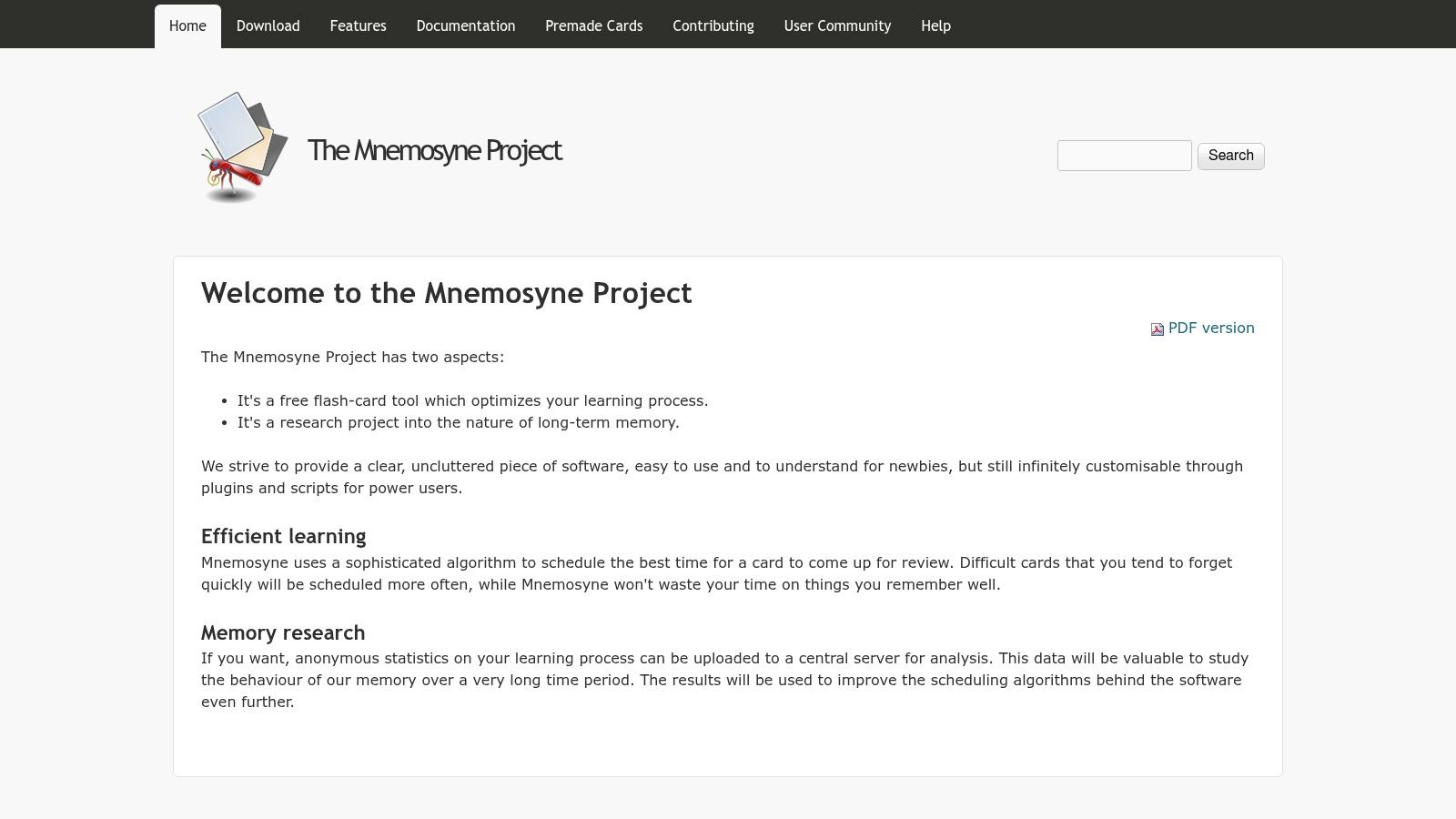
Mnemosyne (opens in a new tab) makes the strongest case for that position on this list. It is a stripped-down spaced repetition tool for learners who already have their material elsewhere and mainly need a scheduler that stays out of the way. That makes it a different kind of product from note-linked systems such as RemNote, reading-based tools such as Readwise Reader, or fast-practice apps built around large shared libraries.
Best for simple review, not workflow expansion
Mnemosyne fits a narrow but durable workflow: create direct cards, review them consistently, and avoid turning your flashcard app into a second knowledge base. For students memorizing definitions, symbols, formulae, or short cloze prompts, that constraint can help. There is less temptation to keep reorganizing tags, redesigning templates, or treating setup as study.
The trade-off is clear. Mnemosyne gives you less control over the broader study pipeline. It is useful once material has already been turned into cards, but it does little to support note capture, source linking, collaborative deck discovery, or heavy card engineering. Students who want to tune prompts in detail or build a tightly integrated content system usually outgrow it.
That does not make it weaker. It makes it narrower.
The practical advantage is maintenance cost. A lighter interface and smaller feature set reduce setup overhead, which matters for students who repeatedly abandon more configurable tools. If your bottleneck is reviewing consistently rather than designing an ideal system, Mnemosyne can be the better choice.
Pick Mnemosyne if your workflow is: collect material elsewhere, convert only what deserves recall practice, and use a plain scheduler to keep the review habit stable. Skip it if you want your spaced repetition tool to double as your notes app, reading system, or highly customizable card workshop.
9. Clozemaster
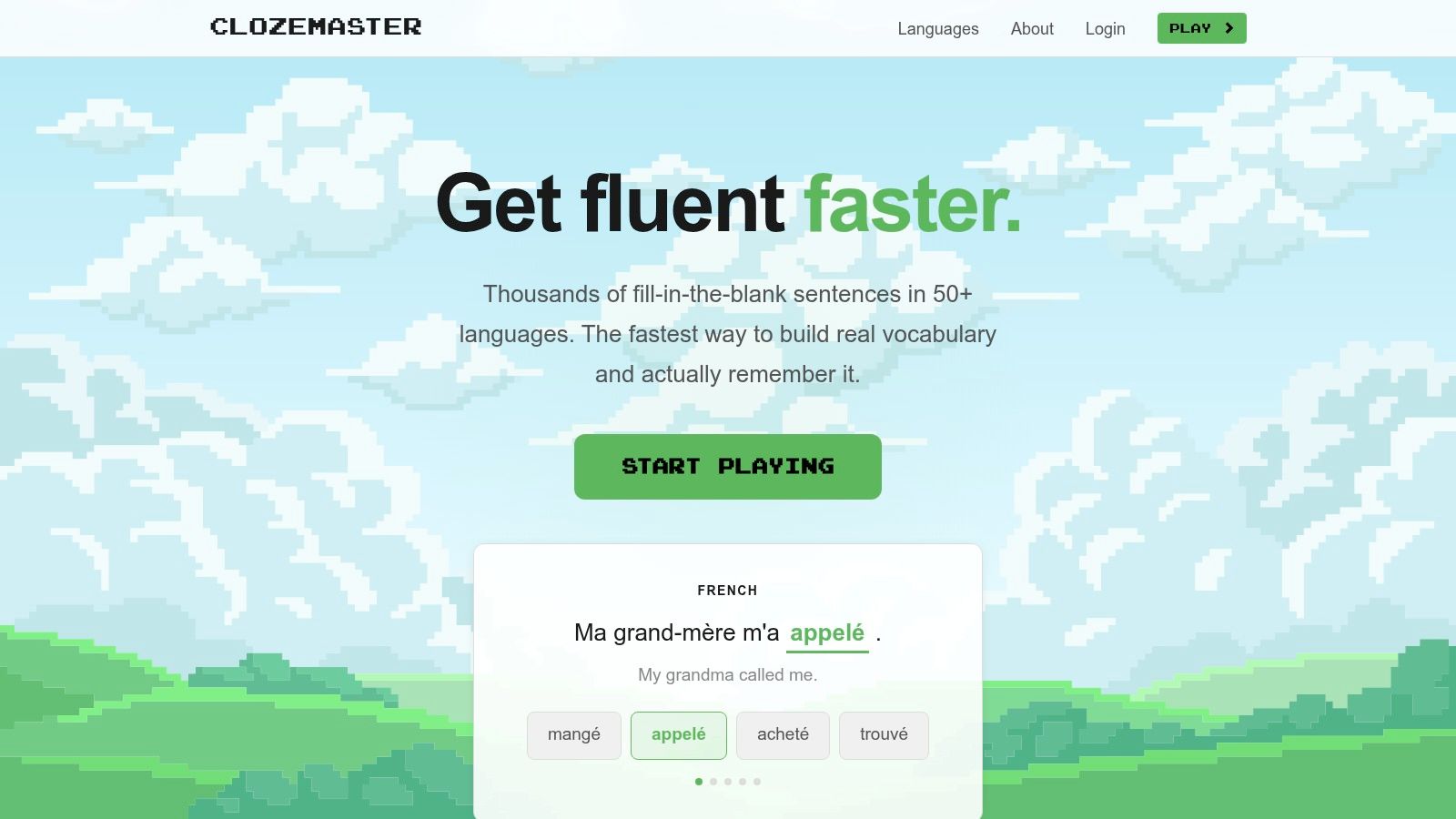
Clozemaster (opens in a new tab) is useful precisely because it does less than a general flashcard app. It supports one language-learning workflow well: high-volume sentence practice built around missing-word prompts. That makes it a better fit for reading retention and contextual vocabulary exposure than for custom card engineering or formal note-based study.
The distinction matters. Tools like Anki or SuperMemo give you scheduling control and prompt design freedom, but they also expect you to build or curate the material. Clozemaster shifts the workload in the other direction. You accept its content format and practice modes in exchange for faster setup and a larger supply of ready-made sentence reviews.
Best for contextual language practice
Its main advantage is workflow speed. A student who already has grammar notes, a textbook sequence, or a tutor does not need another system to author cards from scratch just to get more exposure. Clozemaster supplies sentence-level review quickly, often with listening modes, so the study session feels closer to recognition in context than isolated term-definition recall.
That convenience also sets the limit.
Clozemaster gives you less control over what gets reviewed, how prompts are phrased, and how tightly practice maps to a specific course syllabus. If your priority is mastering a defined set of exam terms, textbook examples, or self-made mnemonics, a customizable scheduler will usually fit better. If your bottleneck is seeing more vocabulary in plausible sentences without spending time building decks, Clozemaster is the stronger choice.
Research on digital flashcards supports that narrower role. A review and meta-analysis on digital flashcards and learning outcomes found clearer gains for vocabulary retention than for broader productive skills such as speaking and writing (review and meta-analysis on digital flashcards and learning outcomes (opens in a new tab)).
Used well, Clozemaster complements a language study stack rather than replacing one. It works for rapid daily practice, reading-adjacent retention, and frequency-based reinforcement. It does not solve grammar explanation, free production, or course-specific sequencing, which is exactly why it belongs in a comparison of distinct study workflows rather than generic flashcard apps.
10. Bunpro
Many spaced repetition apps claim they can handle any subject. Bunpro shows why that claim breaks down in practice.
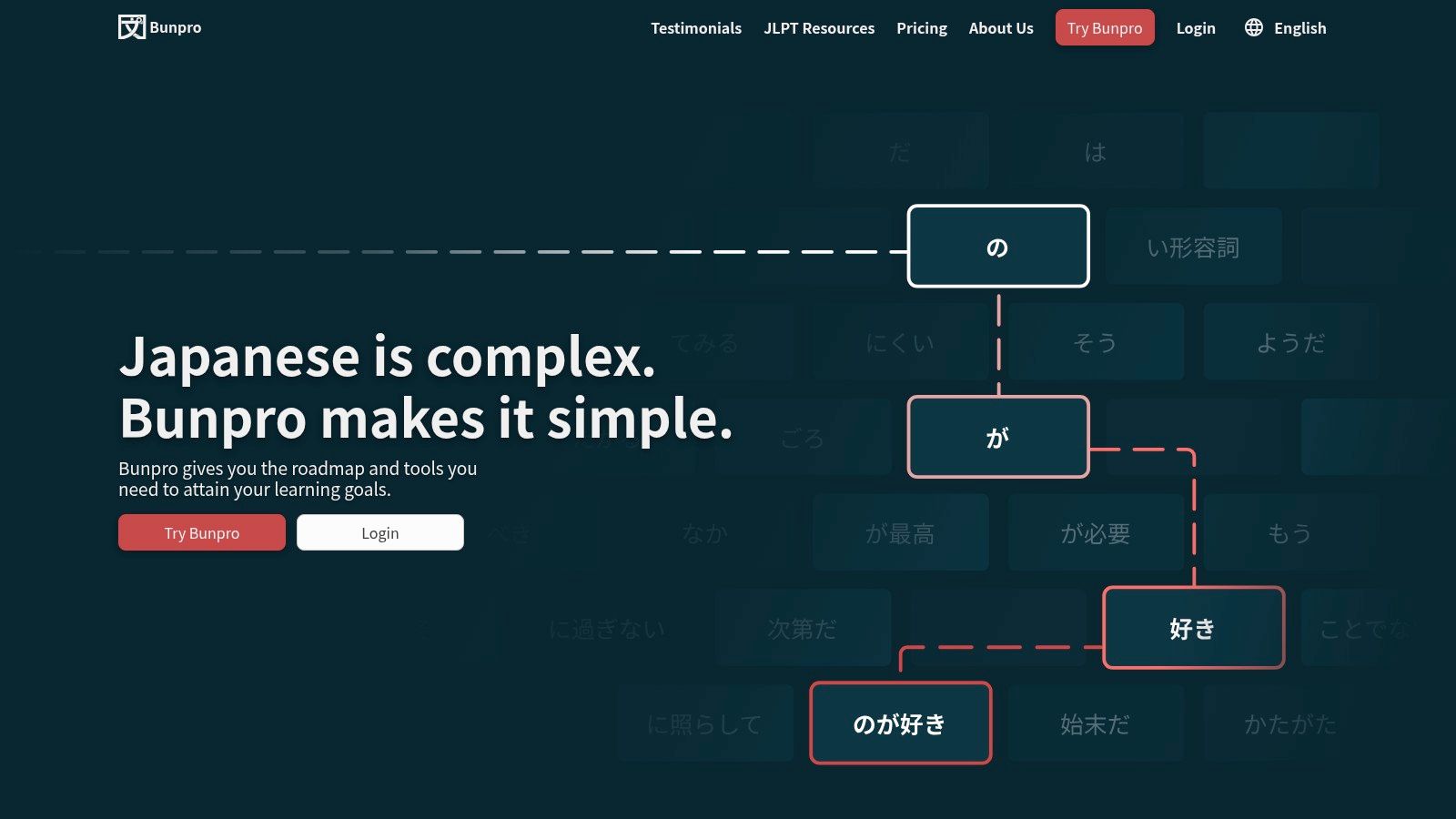
For Japanese learners, the hard part is often not storing cards. It is studying grammar in an order that matches textbooks, JLPT levels, and the way later patterns depend on earlier ones. Bunpro (opens in a new tab) is built around that workflow, with grammar explanations, cross-references, and typed reviews tied to a defined sequence.
That makes Bunpro less comparable to Anki or Quizlet than to a guided study layer for a specific language task.
A student who wants custom card engineering, unusual prompts, or a scheduler tuned at a very granular level will still get more control from a general tool. A student who wants integrated Japanese grammar practice with less setup gets a different benefit here. Bunpro reduces content-building work because the curriculum structure already exists, and that changes the cost of maintaining a study habit.
Its trade-off is narrowness. Bunpro works well for grammar-first Japanese study, especially alongside a separate system for vocabulary, reading, listening, or output. It is a weak fit for broader academic review, mixed-subject flashcards, or learners who prefer to design every prompt themselves.
The useful distinction is workflow, not feature count. Bunpro is for specialist language study where sequencing and built-in content matter more than maximum scheduling control. If your bottleneck is Japanese grammar retention inside an established syllabus, that focus is an advantage. If your bottleneck is flexible review across many subjects, it becomes a constraint.
Top 10 Spaced Repetition Tools: Feature Comparison
Choose the Workflow You Will Actually Maintain
The most popular spaced repetition advice usually overstates the app and understates the workflow. That's backwards. The tool matters, but the bigger predictor of usefulness is whether it matches the kind of academic work sitting on your desk.
Choose Anki (opens in a new tab) or SuperMemo (opens in a new tab) if you want maximum scheduling control. They make the most sense for students who care about interval logic, card design, and long-term review structure. Anki is usually the more approachable of the two, especially if you want a large community and flexible templates. SuperMemo is better if your study process includes serious reading retention and you want the scheduler to sit closer to the research tradition that shaped modern SRS.
Choose RemNote (opens in a new tab) or Mochi (opens in a new tab) if notes and cards should stay connected. RemNote is better when you're actively converting PDFs, lecture notes, and outlines into review material. Mochi is better when you want a cleaner, calmer system that feels lightweight enough to keep using.
Choose Brainscape (opens in a new tab) or Quizlet (opens in a new tab) if your priority is speed. They help when you need to get from course content to active recall quickly, especially with shared sets or collaborative studying. The trade-off is that they offer less true scheduling control, so they're strongest as practical study accelerators rather than deep memory systems.
Choose Readwise (opens in a new tab) if your course is reading-heavy and your real problem is that highlights disappear into a graveyard of PDFs. Choose Mnemosyne (opens in a new tab) if you want a lightweight open-source tool with fewer distractions. Choose Clozemaster (opens in a new tab) or Bunpro (opens in a new tab) when you're studying languages and need contextual sentence practice or structured Japanese grammar review rather than a generic deck builder.
A good quick start is simple:
- Define the target: Are you studying for one module, a cumulative final, or a professional exam?
- Use precise source material: Build cards from the exact lecture set, textbook edition, course code, and academic year you're being tested on.
- Write focused prompts: One card should usually test one idea, term, distinction, or step.
- Review briefly but regularly: Short daily sessions are easier to sustain than heroic weekend catch-up.
- Rework weak cards: If a card keeps failing, rewrite it. Don't just repeat a bad prompt.
Course-specific support materials can help at the deck-building stage, especially when you're checking scope and terminology against the exact module. That's where a platform like CramShare can be relevant, since students can search by course code, module, textbook, institution, and academic year rather than broad subject labels. Whatever materials you use, keep two rules in place: follow copyright law, and stay within your institution's academic-integrity policy. Shared notes should support your own study process, not replace it.
If you're building spaced repetition decks from real coursework, CramShare offers course-specific study materials such as lecture notes, summaries, revision guides, past papers, and practice resources organized by university, course code, module, textbook, and academic year. That makes it useful when you need cleaner source material before turning concepts into cards. Browse the library to find relevant materials you can use alongside your own notes and independent study.