10 Places to Find Study Notes PDF in 2026
Find legitimate study notes PDF resources, compare course-matched platforms, verify quality, and organize files for smarter revision.
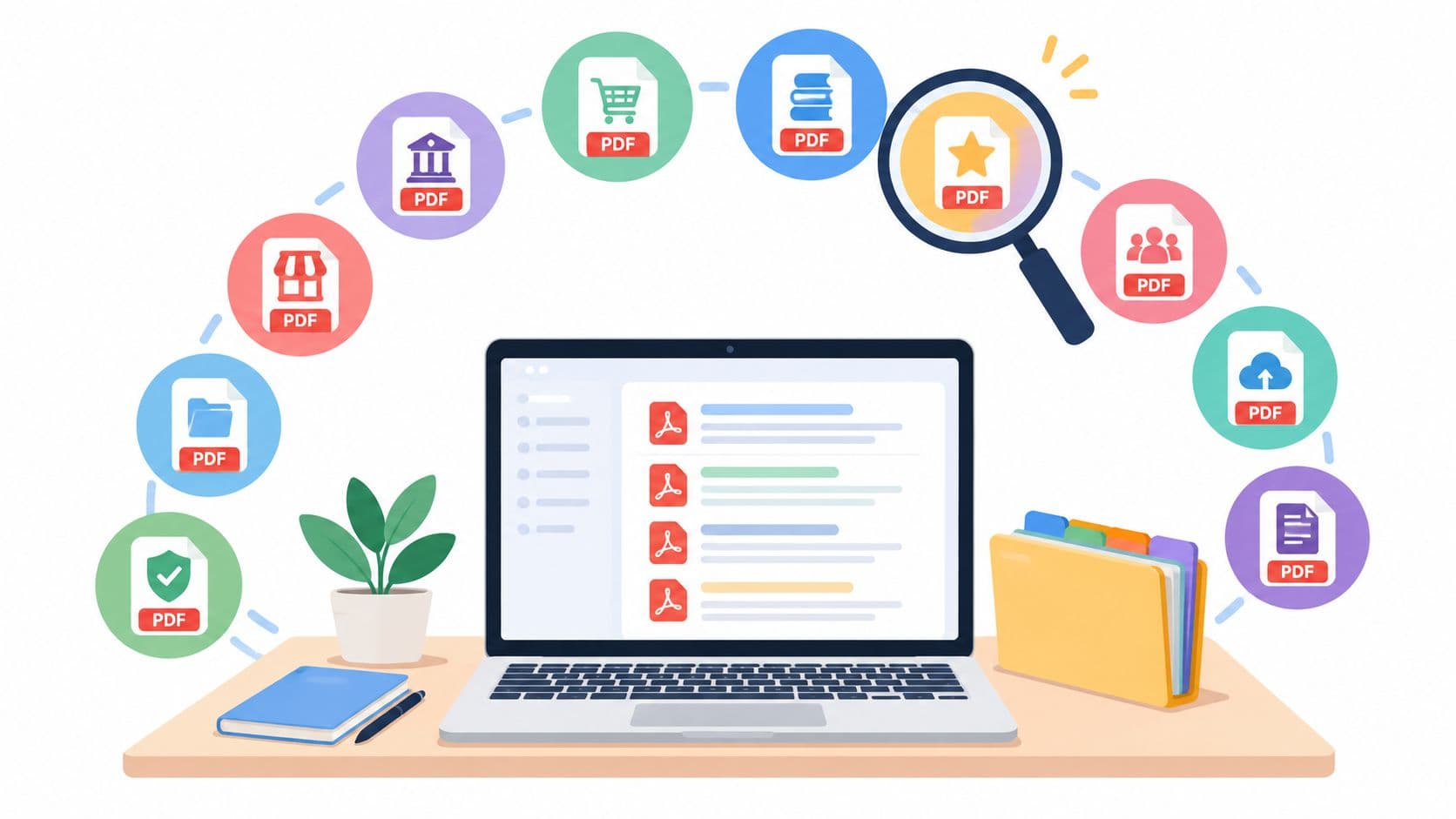
You've found a beautifully formatted PDF, downloaded it, and then noticed it covers the wrong university, an older syllabus, or a neighboring module with a similar title. That's the central problem with searching for study notes PDFs. More files don't automatically produce better revision. The useful file matches your institution, course code, module, textbook, academic year, syllabus, and assessment style.
This list separates course-specific libraries, student marketplaces, curated collections, and broad document platforms. Each source is assessed by four practical questions: how precisely it matches a course, how clearly you can judge quality before using or buying it, what access model it uses, and how easily its documents can become an actual revision system.
A downloaded note set can be substantial. The most frequently downloaded PDF notes from the publisher's marketplace have averaged 50 pages, but page count alone proves very little. A concise, complete set can outperform a longer document filled with repetition, missing topics, or unreadable scans. PDF remains popular because it preserves layout, distributes easily, and works across devices. Adobe introduced the format in 1993, and it became an ISO standard in 2008, helping establish it as a default container for printable documents worldwide (PDF Association history presentation (opens in a new tab)). Start with relevance, then inspect quality.
1. CramShare
CramShare is the strongest option when your search begins with a precise course requirement rather than a broad subject. Its organization is built around universities, course codes, modules, textbooks, and academic years, so a student can look for materials connected to the class they're taking instead of browsing a large “biology” or “economics” category.
The library includes lecture notes, summaries, revision guides, past papers, practice materials, and textbook-related resources. Its free community library can be browsed without page limits, watermarks, or daily caps, and you don't need an account to look around. That makes it useful during the early search stage, when you're comparing coverage before committing to a particular file.
Best fit: Start with CramShare when “relevant to my exact module” matters more than finding the largest possible document collection.
Where CramShare is more transparent
Premium documents open to multi-page previews, giving you a chance to inspect handwriting, structure, depth, and legibility before paying. Premium uploads are reviewed for completeness, readability, document quality, and course match. Eligible purchases can be refunded when the material doesn't match its advertised preview or course tag.
The platform also avoids paid placement. Documents are surfaced through student demand, including how often they're reopened before exams, rather than through a seller buying a higher position. That doesn't eliminate variation between uploads, especially on a new course page, but it gives students a clearer basis for comparing files.
For authors, CramShare supports non-exclusive publishing. Authors retain ownership, set prices, can unpublish materials, receive 70% of eligible paid sales, and receive monthly payouts without a minimum threshold. The model is relevant to students who have created original notes and want to share them without giving up ownership.
Limitations to consider
CramShare's course-level precision depends on student contributions. A niche course, new module, or institution with few active contributors may have a sparse catalogue. Brand-new documents may also have limited community feedback because ratings appear only after purchase.
The practical conversion path is strong, though. Download a course-matched PDF, rename it consistently, bookmark examinable sections, and turn each topic into recall prompts or practice questions. That approach fits the broader reason PDFs became so common in education. They're stable, portable containers, but students still need to transform them into active revision material.

2. StuDocu
StuDocu is a sensible first search for students who need a document tied to a named institution or course and want a large international pool of uploads. Its catalogue includes student notes, summaries, past exams, and study guides, with browsing organized around universities and courses.
The platform's volume is its main practical advantage. If your course is represented, you may find several explanations of the same topic, different note-taking styles, and files aimed at different stages of exam preparation. Course-based alerts can also help students notice new uploads rather than repeatedly searching from scratch.
Course relevance and access
Search by institution and course is more useful than a generic keyword search because it narrows the context before you open a document. Still, course matching isn't the same as syllabus matching. Check whether the file identifies the academic year, lecturer, textbook, or assessment topics. A document tagged to your university may still belong to another cohort or a related module.
StuDocu mixes free and Premium documents and provides in-page previews. That creates a workable comparison process, but it also means the file you most want may not be fully accessible through the free route. Students preparing quickly should distinguish between a useful preview and evidence that the complete document covers the required material.
Quality and revision use
Uploader quality varies, so inspect headings, diagrams, references, and topic sequence before relying on a file. A concise summary may be excellent for final review but inadequate for learning unfamiliar material. Past exams can also reveal assessment language, but they shouldn't replace your own understanding of the course content.
StuDocu works best when you already know your institution and course name. It's less efficient when you only have a broad topic and need to build a syllabus-aligned collection from several unrelated documents.
3. Course Hero
Course Hero (opens in a new tab) has a large catalogue of course-specific notes, study guides, practice problems, and other documents, particularly for students searching by school and course in the United States. Its structured Study Guides area adds a layer beyond individual uploads, while topic tagging helps narrow broad course pages.
The platform's strongest use case is a student who knows the exact class but needs several kinds of support. You might find lecture notes for one unit, a study guide for another, and practice questions that expose gaps in your understanding. That mixture can be more useful than downloading one long summary and treating it as a complete substitute for course materials.
Access comes with a trade-off
Course Hero offers routes involving uploads to gain access, while much of the full-content library is paywalled. That makes the access model a central part of the decision, not a small detail. Before uploading anything, confirm that your notes are original, legally shareable, and permitted under your institution's rules.
The platform can save time when its inventory matches your course, but cost is a common limitation for students who only need one document. Preview information and document titles may not tell you whether a file follows your current syllabus, so check dates, unit names, textbook references, and assessment terms.
Use it as a supplement
Course-specific search is valuable, but no document platform can guarantee that an uploaded answer or explanation is correct. Compare important definitions and worked solutions against official lecture materials, assigned readings, and your own coursework. Students should also review their institution's rules before using shared solutions or uploading class documents. CramShare's academic-integrity guidance offers a useful reference point for keeping shared study resources separate from assessed work.
4. Docsity
Docsity (opens in a new tab) combines an international student community, a document marketplace, and an access system based partly on community activity. Students can find university notes, test-preparation materials, summaries, and paid PDFs across a broad subject range.
Its distinctive feature is the choice between earning Download Points through community actions and paying for Premium access or individual marketplace documents. That flexibility can help a student who has time to participate but doesn't want to pay for every file. It also creates a less immediate workflow than a simple free download, because you need to understand how points, premium access, and seller documents interact.
A useful format-conversion advantage
Docsity includes AI study helpers that can process uploaded PDFs, images, links, and audio notes for activities such as summaries and quizzes. That can make a document more workable after download, especially when the original PDF is long and you need to identify topics before building a revision schedule.
The output still needs checking against the source. A generated summary can omit a qualification, simplify a contested idea, or emphasize material that isn't central to your assessment. Treat it as a navigation aid and practice prompt, not as an authority that replaces the original notes.
What to inspect first
Document quality varies because the collection depends on user contributions. Look for clear sectioning, readable pages, syllabus alignment, and visible source references. International coverage is helpful if you're studying outside the platform's strongest regions, but terminology and assessment conventions may differ between institutions.
Docsity is most useful for students who value flexible access and want to turn several file types into active study exercises. It's less convenient if you want a predictable, transparent pay-per-document experience with minimal account mechanics.
5. Studydrive
Studydrive (opens in a new tab) is organized around course communities, universities, and student sharing, with particular strength in European university contexts. Students can browse notes, summaries, past exams, and related resources within a course-oriented structure rather than relying only on general subject keywords.
The platform reports more than 1 million study resources in its feature description, so its appeal is the combination of scale and organization, not only the presence of PDFs (Studydrive (opens in a new tab)). Course folders can make it easier to separate material by class, but availability still depends on what students at a particular institution have uploaded.
Mobile access changes the workflow
A mobile app and offline downloads suit students who revise away from a laptop or want course folders available during travel. Offline access is useful only after you've made a quality decision, however. Downloading a file quickly doesn't tell you whether its explanations are current, complete, or relevant to your examination format.
Full downloading and additional features commonly involve Premium access. That may be reasonable for students using several course resources, but it's a disadvantage if you only need to inspect one short document. Check what the preview allows before treating a file as part of your revision plan.
Relevance remains the filter
Studydrive's course-based structure gives it an advantage over broad document libraries, particularly when your university is well represented. Search by the exact course and institution first, then verify the module sequence and academic year. You can also use CramShare's browse directory as a separate course-focused comparison point when you want to see whether another library has material for the same class.
6. Stuvia
Stuvia (opens in a new tab) takes a direct marketplace approach. Students buy and sell study notes, summaries, exam-preparation PDFs, bundles, and related materials, with search organized by subject, book, or course. Seller storefronts and document previews make it easier to compare individual products than to browse an unstructured collection.
That model is particularly useful when you want a ready-to-use revision pack for a known exam. A seller who has organized a subject into a coherent bundle may save time compared with assembling separate lecture summaries, past papers, and topic guides from multiple sites.
Preview before you judge
Previews are essential because the marketplace contains material from different sellers. Inspect whether the pages show complete explanations or only attractive headings, whether diagrams remain readable, and whether the document follows the textbook or syllabus you use. A polished cover and a recent exam-year label don't prove accuracy.
The pay-per-document model keeps the transaction understandable, but pricing is set per document. That can work well when you need one targeted file and poorly when you're trying to build a full course library. Compare the scope of each document before buying several overlapping summaries.
Seller quality is the variable
Stuvia's strengths, current exam-year materials and a clear marketplace format, depend on seller accuracy. Use a purchased PDF to support your own notes, practice, and checking rather than submitting it as original work. If you decide to publish your own materials elsewhere, review CramShare's seller guidelines for a useful reminder that authors should only distribute documents they have the legal right to share.
7. Thinkswap
Thinkswap (opens in a new tab) is the most targeted choice on this list for Australian school and university study materials. Its organization around HSC, VCE, QCE, university courses, subjects, and exam types gives students a clearer route to syllabus-aligned revision than a global platform with less regional specificity.
That regional focus is valuable because assessment language and curriculum structure matter. A concise revision pack designed around an Australian state syllabus can be more useful than a longer international summary that covers similar subject content but misses the expected terminology or exam emphasis.
Strong regional fit, narrower reach
Thinkswap includes community rating signals and seller programs such as Thinkswap Elite. Those signals can help students compare documents, although ratings should still be read alongside the preview and course details. A highly rated file may be useful for general revision while still failing to cover the exact unit your teacher has emphasized.
Access uses credits or payment per document. That keeps the marketplace flexible, but students need to track what they're buying rather than assuming a subscription gives unlimited access to every relevant file. Coverage is also narrower outside Australian curricula, so international students may find fewer suitable documents.
Make syllabus alignment visible
Before downloading, match the file's headings against your syllabus or assessment outline. Look for topic order, definitions, worked examples, and practice prompts. Thinkswap is best when your course sits squarely within its Australian coverage. It's less compelling as a general-purpose university notes library for students studying elsewhere.
8. Oxbridge Notes
Oxbridge Notes (opens in a new tab) focuses on curated, premium revision notes created by high-performing students, with particular strength in UK law and related subjects. The catalogue is aimed at students who want polished, concise material for exam preparation rather than a broad community archive containing every kind of classroom document.
The curation changes the evaluation question. Instead of asking whether you can find any PDF for a topic, you're asking whether the selected revision set fits your course and whether its presentation justifies its premium positioning. In law, where structure, authorities, issue spotting, and exam technique matter, a well-organized document can be easier to use under time pressure than a loose collection of lecture notes.
<a id="where-polished-notes-help"></a>
Where polished notes help
Targeted revision sets can reduce the work of turning raw notes into an outline. Strong headings, consistent terminology, and a clear progression through concepts make it easier to bookmark sections and create recall prompts. That's especially useful close to exams, when the problem is often prioritization rather than a lack of available information.
The limitations are clear
Oxbridge Notes is paid-only for its premium resources, and its catalogue is smaller outside core subjects. “High-caliber” presentation also isn't the same as a guarantee that the document matches your lecturer's emphasis or current assessment requirements. Confirm the relevant university, subject, syllabus, and exam format before relying on it.
This source suits students who want a refined revision pack and are willing to pay for curation. It's a weaker choice for someone seeking free lecture notes, broad international coverage, or a file closely indexed to an obscure course code.
9. StudySoup
StudySoup (opens in a new tab) is built around named classes and designated notetakers, making course alignment its central promise. Its study guides and class notes are intended for students who want material connected to a specific campus course rather than generic topic summaries.
The designated-notetaker model can produce a more consistent document structure than completely open uploading. If the exact class is available, students may find notes that follow lectures in sequence and use terminology familiar from the course. That alignment can reduce the time spent mapping a general PDF onto your own syllabus.
Campus coverage determines usefulness
StudySoup's selection varies by campus and course. Larger or more active schools may have a stronger supply, while smaller institutions can have fewer materials. Search by the full institution name and class details before assuming that a similar course title is close enough.
The platform is a practical choice for a student who wants a structured guide for a named U.S. class. It's less useful when you're studying at a campus with limited coverage or need international course materials. As with every student-uploaded resource, verify the academic year and compare key material with official course documents.
A good StudySoup file should help you answer specific revision questions. Can you locate the week's core concepts quickly? Does it distinguish definitions from examples? Can you turn each section into a short recall test without rewriting the entire document? If not, the course label alone hasn't made it useful.
10. Scribd
Scribd (opens in a new tab) offers breadth rather than precise course matching. Its document library includes user-uploaded study aids, test-preparation PDFs, topic summaries, and broad study categories, with cross-platform reading and offline access through its app.
That makes Scribd valuable when you need supplementary coverage. A student might search for a general explanation of a difficult concept, a different presentation of a familiar topic, or a document that fills a gap in their official lecture materials. It can also consolidate several sources in one reading environment, reducing the need to switch between separate apps.
Why broad search can mislead
Scribd documents aren't usually organized around your exact university, course code, module, or cohort. A file titled after your subject may be useful background but still omit the readings, terminology, or assessment style your course requires. Broad relevance is not the same as course relevance.
Document quality and legality also vary because the library contains user-uploaded materials. Copyright enforcement applies, so students should avoid downloading or sharing files when the uploader doesn't have the right to distribute them. Check authorship, source references, publication details, and whether the document appears to reproduce protected course or textbook content.
Scribd is best used after you've established what your course requires. It can supplement a verified course-specific PDF, but it shouldn't be the sole basis for revision when exact syllabus coverage matters.
Top 10 Study Notes PDF Platforms Comparison
<a id="turn-a-downloaded-pdf-into-a-revision-system"></a>
Turn a Downloaded PDF Into a Revision System
Finding a suitable PDF is only the first decision. Before you study from it, confirm the institution, course code, module, textbook, academic year, syllabus coverage, and assessment relevance. A document can be accurate in general and still be the wrong resource for your class. The Library of Congress describes PDF as an “extremely widely adopted” format for page-oriented documents, which explains its durability in academic publishing and archiving, but a dependable file format doesn't guarantee dependable content (Library of Congress PDF description via Sensible (opens in a new tab)).
Use the preview as a quality-control stage, not a formality. Check whether the pages are legible at normal zoom, whether the document has a logical structure, whether important topics appear in a sensible order, and whether the author identifies sources or course context. Look for missing pages, clipped diagrams, inconsistent notation, and sections that repeat general textbook material without addressing the assessment.
Practical rule: Don't ask only whether a PDF looks professional. Ask whether you can locate a required topic, understand the explanation, and turn the section into a question you can answer without looking.
Then check the legal and academic boundaries. Use only files that the uploader has the right to distribute, respect copyright notices, and read your institution's academic-integrity rules before using or sharing material. Notes can support independent coursework, but they shouldn't become submitted work, copied answers, or a replacement for attending classes and completing assignments yourself.
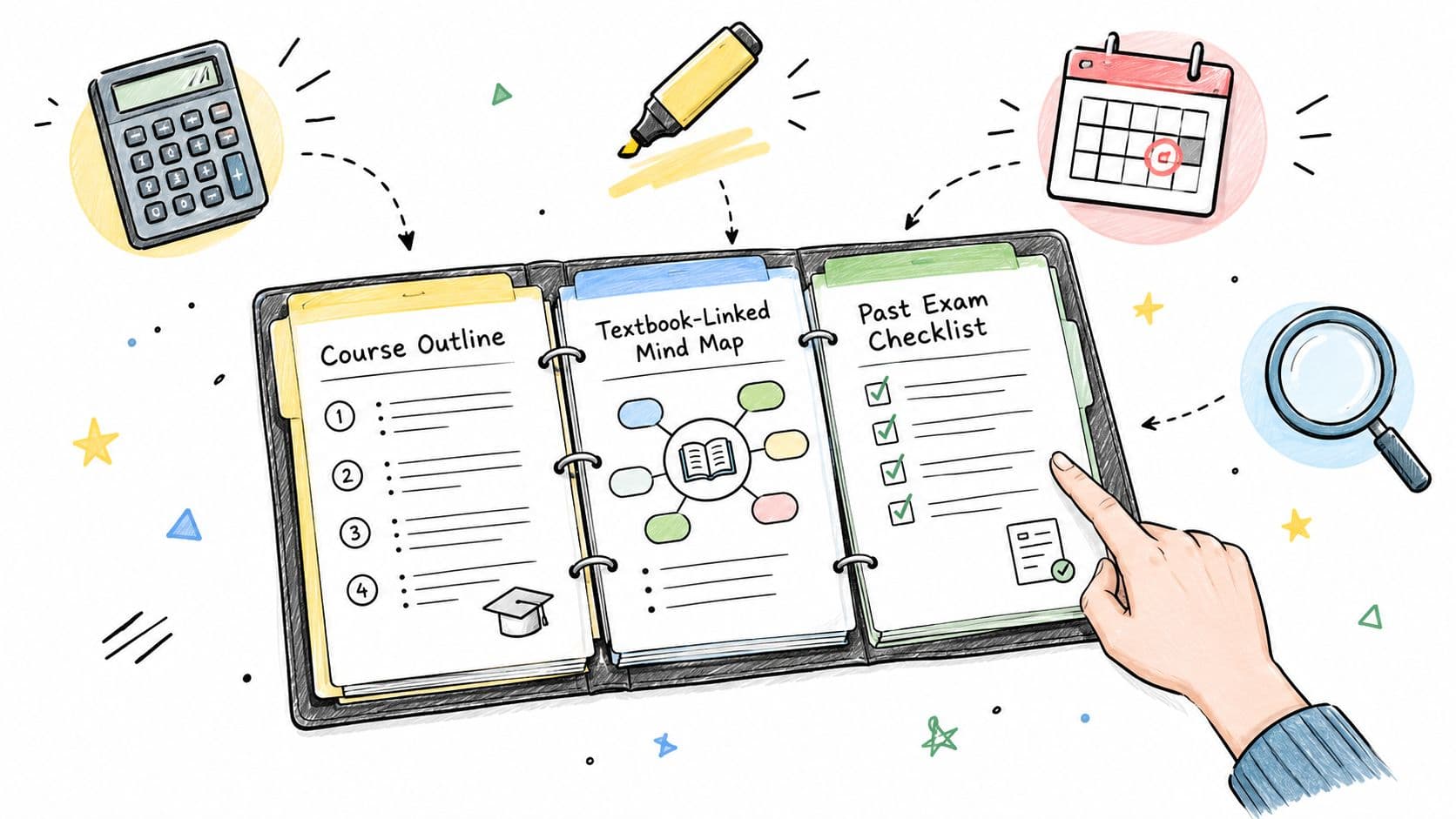
A roughly 50-page note set is easiest to manage when you give it a deliberate structure. Create a folder for each course, then subfolders or tags for lectures, readings, past papers, and your own recall prompts. Rename files consistently, for example with the course code, topic, academic year, and resource type. Bookmark major sections, highlight only examinable ideas, and add a short note explaining why each highlighted passage matters.
Build active recall from the document
If the PDF isn't searchable, convert its pages into searchable text where you have the legal and technical ability to do so. Searchability helps you find repeated terms, compare definitions, and jump between related topics. It doesn't replace reading, but it removes friction when a long document becomes part of a larger course archive.
Next, extract concise recall prompts. Turn a heading into a question, convert a process into ordered steps, and write a one or two-sentence explanation in your own words. Pair each prompt with practice questions, past papers, or an original explanation rather than rereading the PDF indefinitely. Satisfaction with digital notes is mixed across research contexts. One medical-student study found electronic note-taking easier and more enjoyable, with 61.4% agreeing they could write easily electronically compared with 47.1% for longhand, while another higher-education study found no significant overall satisfaction difference between handwritten and digital notes (study comparison summary (opens in a new tab)). Convenience helps, but relevance and revision design matter more.
Use the resource type that matches the problem. Course-specific platforms are best when you need an exact institution, module, or academic year. Curated marketplaces suit students who want polished, exam-focused revision packs and are prepared to inspect previews or pay for them. Broad libraries are better for supplementary topic coverage, alternative explanations, and filling isolated knowledge gaps.
Finish by testing the notes without the PDF open. Explain the topic, answer your prompts, attempt relevant practice, and compare your response with official materials. A study notes PDF becomes valuable when it changes what you can retrieve and apply, not merely when it occupies another folder on your device.
CramShare combines a free community library with a reviewed premium marketplace for course-specific notes, summaries, revision guides, past papers, and practice materials matched by institution, course code, module, textbook, and academic year. If you want to compare relevant PDFs with multi-page previews before building your revision system, visit CramShare.