Top Sources for Lecture Notes on Computer Science in 2026
The best lecture notes on computer science: course-specific libraries, university archives, and free platforms — plus how to match notes to your syllabus.

You're two weeks out from an algorithms exam. You find a famous university's polished notes, download them, and spend an evening working through elegant proofs. Then you check your own syllabus. Your lecturer uses different notation, skipped the topic you just studied, and tests pseudocode tracing the famous notes barely touch.
That's the core problem with generic lecture notes on computer science. The subject is expanding, but curricula aren't standardized. Stanford's 2025 AI Index education chapter (opens in a new tab) reported that approximately two-thirds of countries worldwide offered or planned to offer K–12 computer-science education in 2024, and computer science was mandatory in primary and/or secondary education in about 30% of countries. More provision doesn't mean the same languages, topic order, textbooks, or assessments.
So judge every source below by one test. How closely does it map to a real course, module, or curriculum you can identify? Look for a course code, syllabus, academic year, or named curriculum before you trust the content.
How to read this list
The ten resources range from course-code archives to curriculum-aligned libraries and single-course sites. Some will match your module closely. Others work better as a second explanation when your own lecture notes leave a gap.
1. CramShare Computer Science Documents
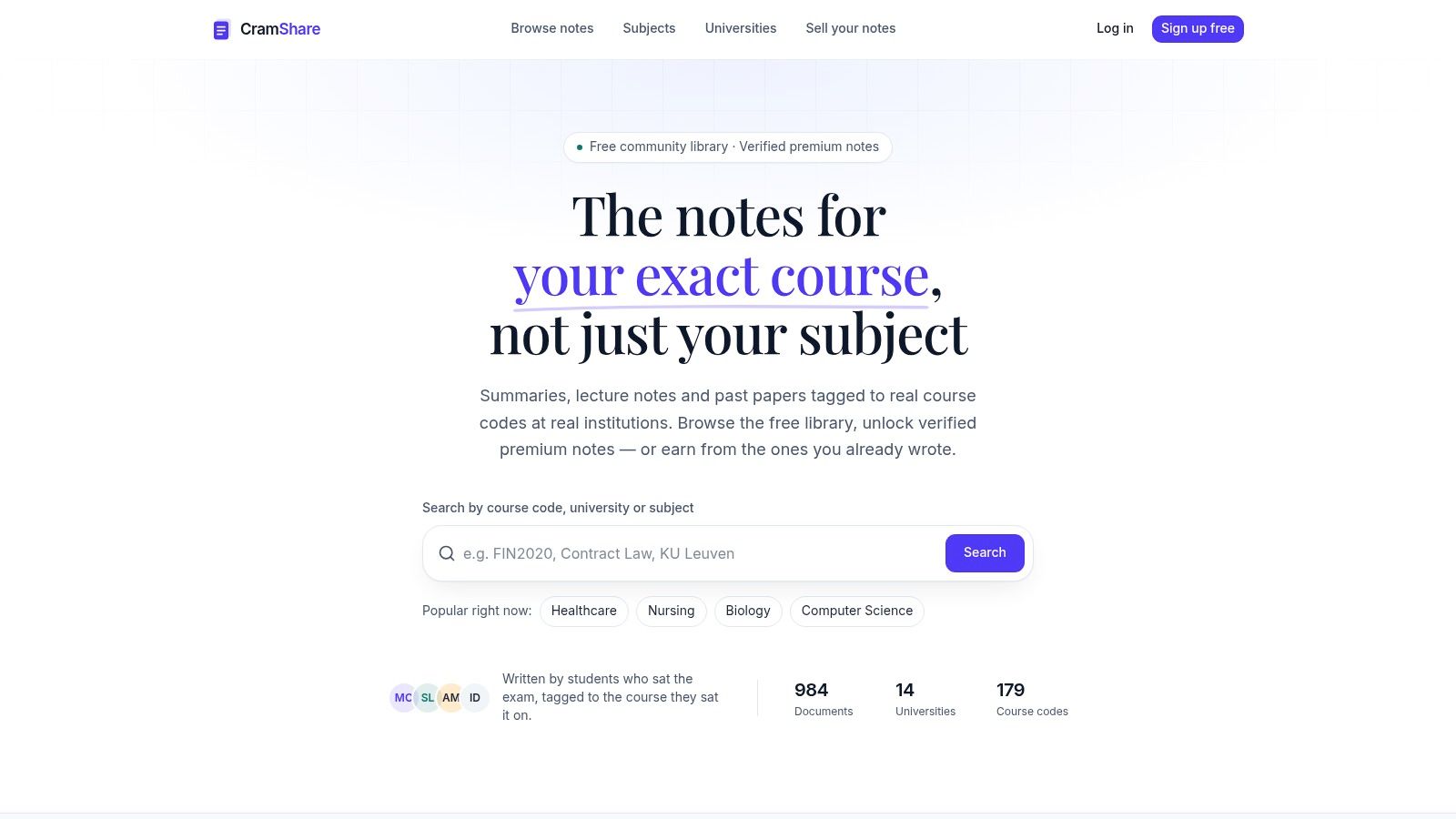
If your data structures module uses Java, notes from a course taught in Python may cover the same concepts but still miss the examples and notation you need. CramShare is a student-written study-notes marketplace with Computer Science documents tagged to the course, exam, or textbook they were written for. Coverage varies by course, so check the exact match before relying on a document.
Listings show the first pages in full before purchase, alongside the document's coverage, page count, and buyer ratings. Use that preview to compare notation and topic depth with your module outline. A close title match alone does not guarantee the material follows your course.
Practical rule: Compare the preview with your module outline week by week. If three consecutive topics do not line up, choose a closer match or use the document only for the topics it covers.
Strengths and limits
- Course matching: Course and institution tags help distinguish notes for specific classes from generic computer science explanations.
- Previews first: Read the first pages and check the stated coverage, page count, and ratings before deciding whether a document fits.
- Mixed library: CramShare offers free browsing alongside premium documents, so you can look for a match before paying for one.
The main limitation is uneven coverage. Some courses and institutions may have no matching notes, and premium documents require purchase. For a direct course match, start with CramShare, then use a topic-focused source below to fill specific gaps.
2. MIT OpenCourseWare
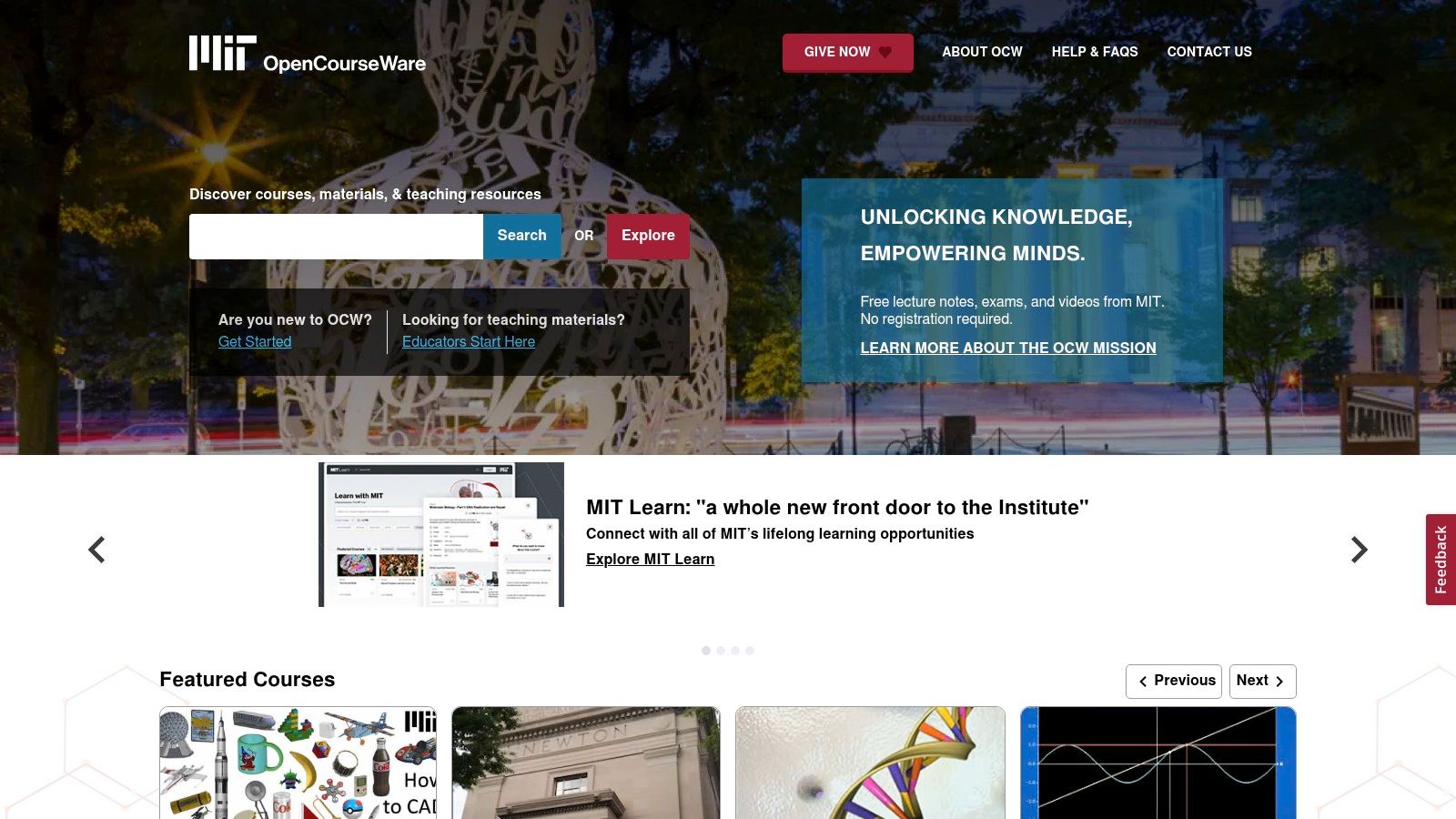
MIT OpenCourseWare (opens in a new tab) publishes materials from actual undergraduate and graduate courses, organized around real syllabi. Depending on the course, you'll find lecture notes alongside videos, problem sets, exams, and solutions. That combination is the draw. You don't just read about dynamic programming, you can test yourself on MIT's own questions.
Treat it as a depth resource, not a shortcut. Depth only helps if you use the support functions notes and recordings provide, such as filling gaps and revisiting hard explanations. Research in Technology, Pedagogy and Education (opens in a new tab) found that, on average, 63% of students downloaded lecture slides, compared with 38% who downloaded lecture notes and 16% who downloaded lecture recordings.
Where it fits best
- Topic depth: Strong for studying one subject properly, such as algorithms or theory.
- Clear provenance: Course pages show exactly where materials came from.
- Practice built in: Assignments and exams supplement the notes.
Coverage and completeness vary between courses. Some reflect older editions, and MIT's sequence may not match your institution's module at all. Use it to understand a concept your lecturer rushed, not as your primary revision map.
3. CS50 by Harvard University
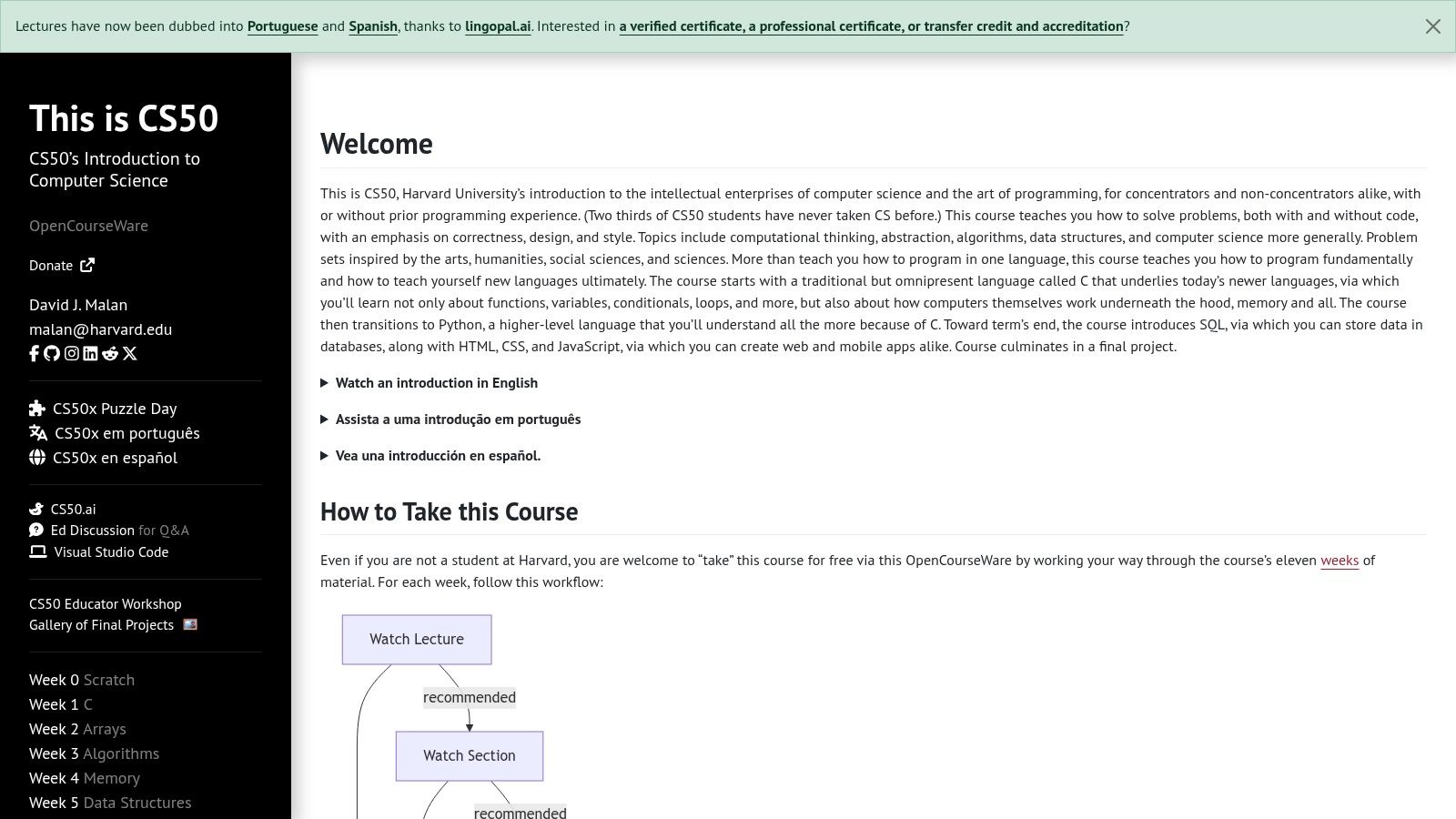
If you're new to the field, CS50 (opens in a new tab) gives you lecture by lecture notes with clear topic outlines for one identifiable introductory course. The CS50x sequence runs through C, arrays, algorithms, memory, data structures, Python, SQL, and web development. Each set of notes sits inside a broader course with lectures and problem sets.
That structure suits beginners who need guided progression rather than a pile of disconnected PDFs. You're always working inside a current course edition, so you know what the notes were written for. If you're building your own notes alongside it, this guide on how to take lecture notes in college helps you turn passive reading into active study material.
Don't just read CS50 notes. Do the problem set for that week, or you'll recognize concepts in the exam without being able to produce code.
The limits are clear. It's primarily introductory, not an advanced reference. Its language choices and topic order may differ from your course, where your first module might start with Python and skip C entirely. Completing the full course also takes substantial time and hands-on work. Cherry-pick individual lectures when you need a clean explanation of pointers or sorting, and you'll get most of the value.
4. UC Berkeley CS 61C Course Notes
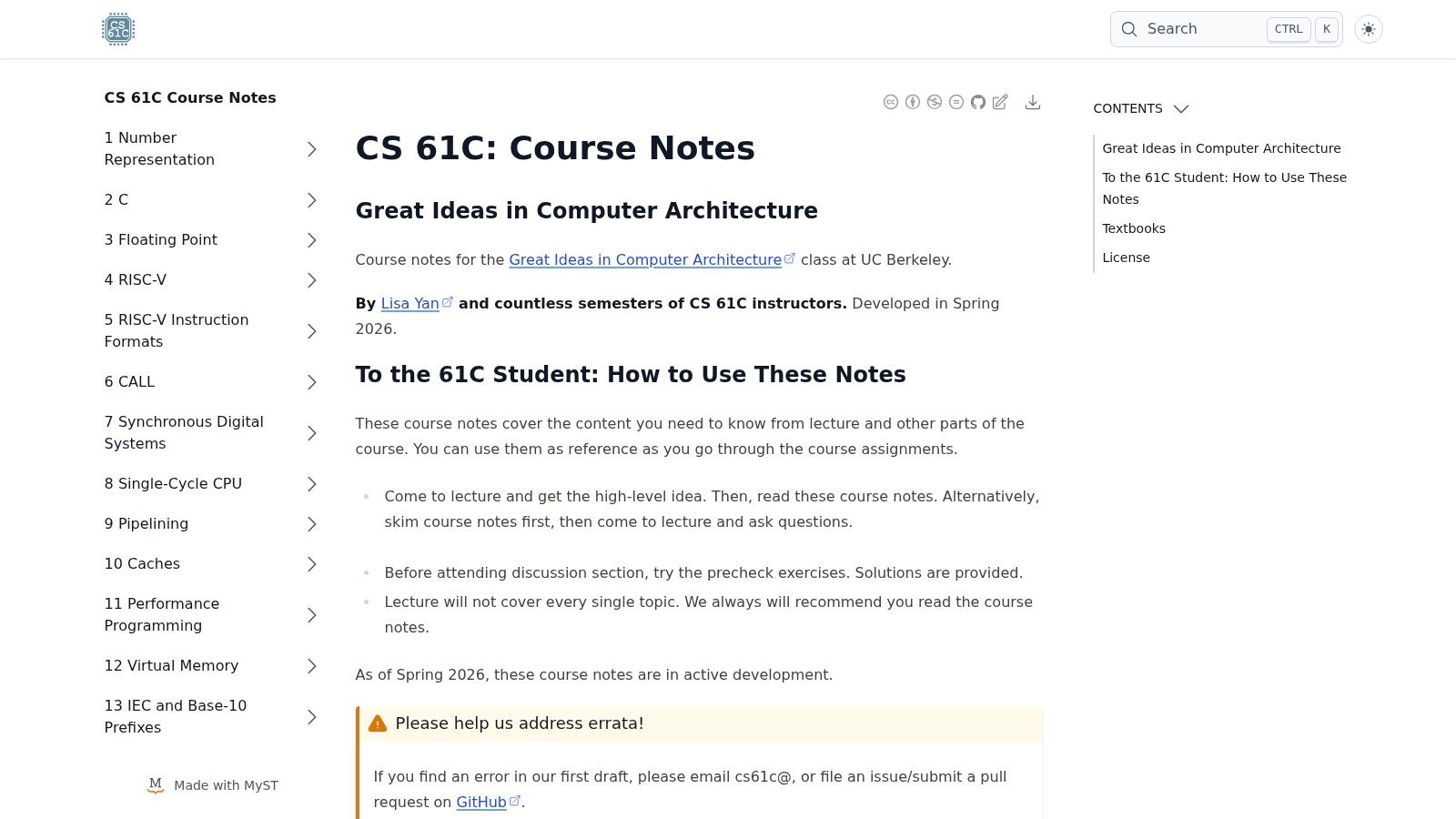
Architecture is where generic notes fall apart fastest, because your course might teach RISC-V while another teaches MIPS or x86. The UC Berkeley CS 61C course notes (opens in a new tab) accompany Berkeley's Great Ideas in Computer Architecture course, covering number representation, processor architecture, and memory in support of specific lectures and assignments.
What you get
- Focused systems coverage: Depth on architecture topics general sites skim over.
- Pre-check exercises: Questions with solutions noted by the course site, so you can verify understanding before moving on.
- Clear course context: You can see how each topic fits into the wider curriculum.
Keeping material from different sources organized gets messy quickly, and this guide on how to organize notes is worth using before your downloads folder becomes unsearchable.
The trade-offs are specialization and maturity. This isn't general computer science coverage, and the notes are in active development, so errata can occur. License restrictions also apply to reuse and redistribution. Cross-check any definition that contradicts your lecturer's slides. Your lecturer's version is the one on your exam.
I recommend CS 61C when your architecture module covers similar ground and you want a second, carefully sequenced explanation of caches or pipelining.
5. cuinotes
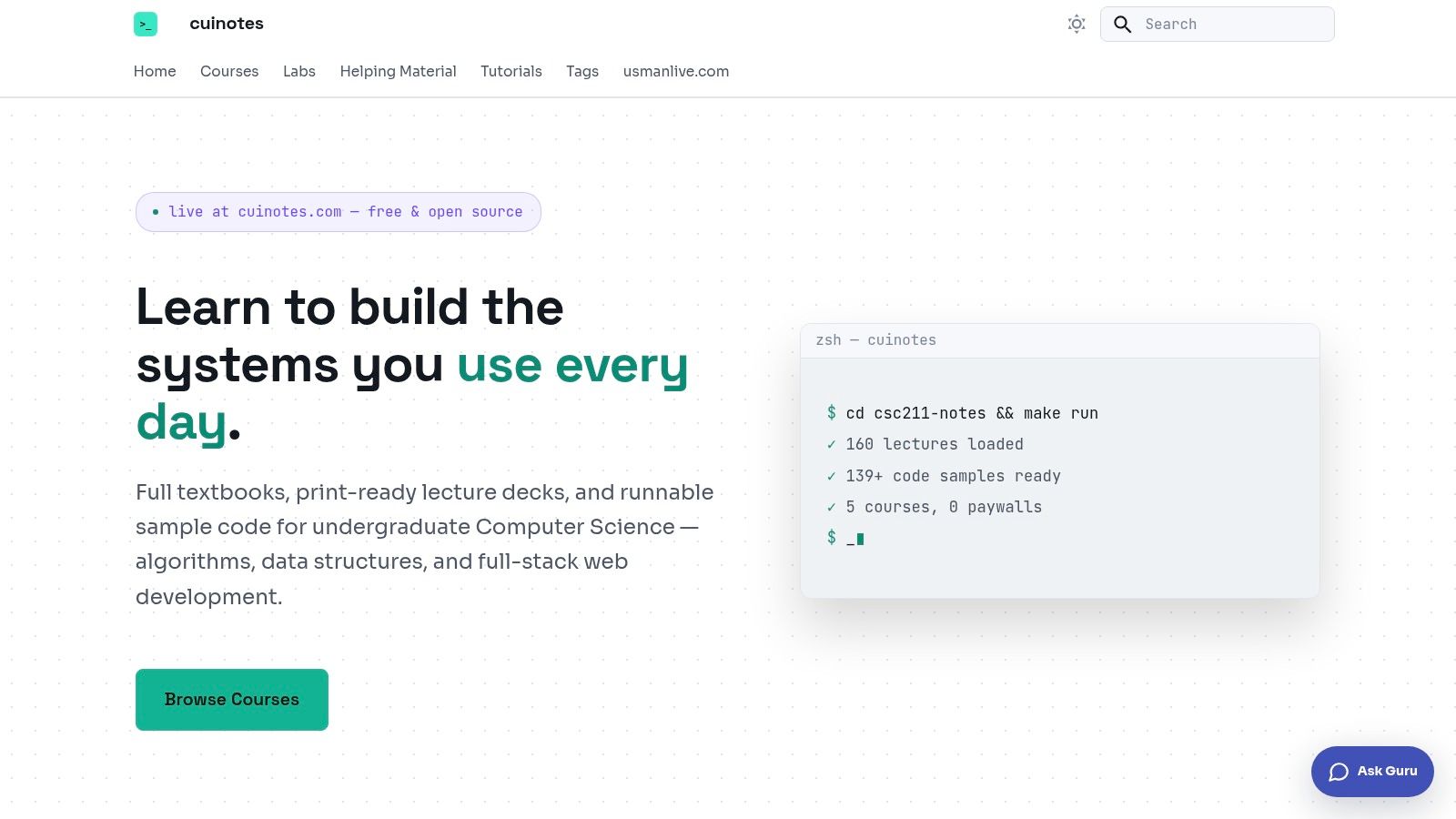
Most note sites give you prose and leave implementation to you. cuinotes (opens in a new tab) combines textbook style content, lecture decks, and runnable code in free undergraduate course packages. Listed subjects include algorithms and data structures, web technologies, databases, and operating systems.
Runnable code changes how you study. You can read about binary search trees, then run the implementation, break it, and fix it. That's closer to how programming exams test you. The site states materials are available without signup, which lowers the barrier when you need something tonight. For background on finding material like this, see this overview of study notes online.
Strengths and limits
- Code alongside theory: Examples complement the written material directly.
- Lecture organization: Subject and lecture structure supports targeted review.
- Free access: No account needed to start reading.
The selection is smaller than large university libraries, and listed courses may not match your programming language or syllabus. Compare each package against your instructor's outline before relying on it. If your course teaches SQL through PostgreSQL and the package uses another system, the concepts transfer but the syntax details may not.
6. OpenStax Computer Science
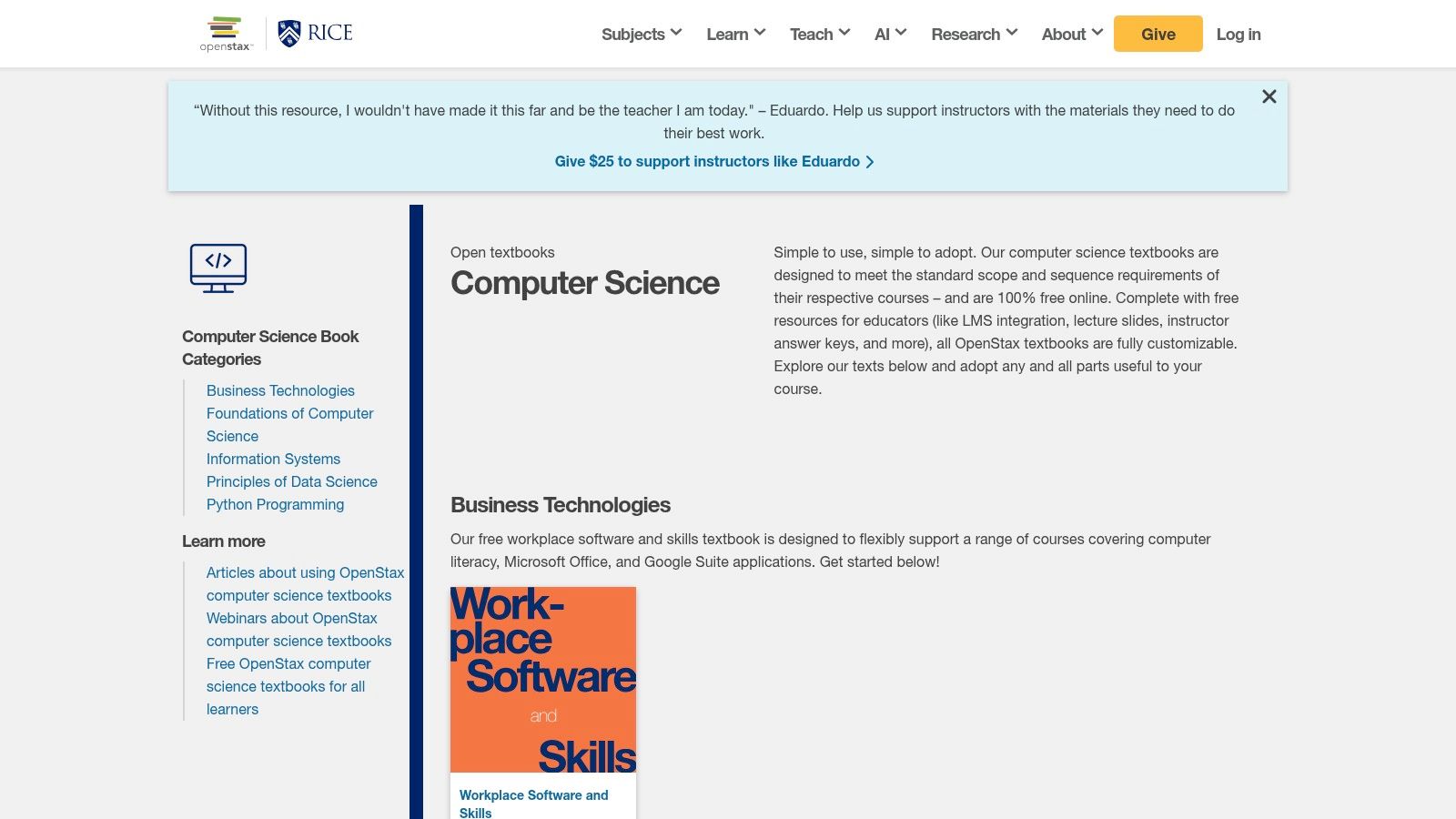
OpenStax Computer Science (opens in a new tab) isn't a lecture notes archive. It's a set of free, openly licensed, peer reviewed textbooks with structured chapters, covering subjects such as Python programming, data science, and business technology. Some titles include supplementary materials like lecture slides.
That distinction is its strength. Lecture notes tell you what your lecturer emphasized. A textbook fills the background gaps notes assume you already know. When your notes use recursion without explaining the call stack properly, a textbook chapter gives you the sustained reading to fix that.
Study habit: Read the textbook section for understanding, then return to your course notes to check what your lecturer actually expects you to reproduce.
Where it helps and where it doesn't
- Sustained reading: Chapter structure supports learning a topic from scratch.
- No cost: Free access makes it an easy supplementary reference.
- Gap filling: Useful when lecture notes are compressed or incomplete.
Textbooks won't substitute for course specific lecture notes or slides. Coverage may not match a specialized module, and some supplementary materials are aimed primarily at educators. Use OpenStax as your reference shelf, not your revision plan.
7. NPTEL
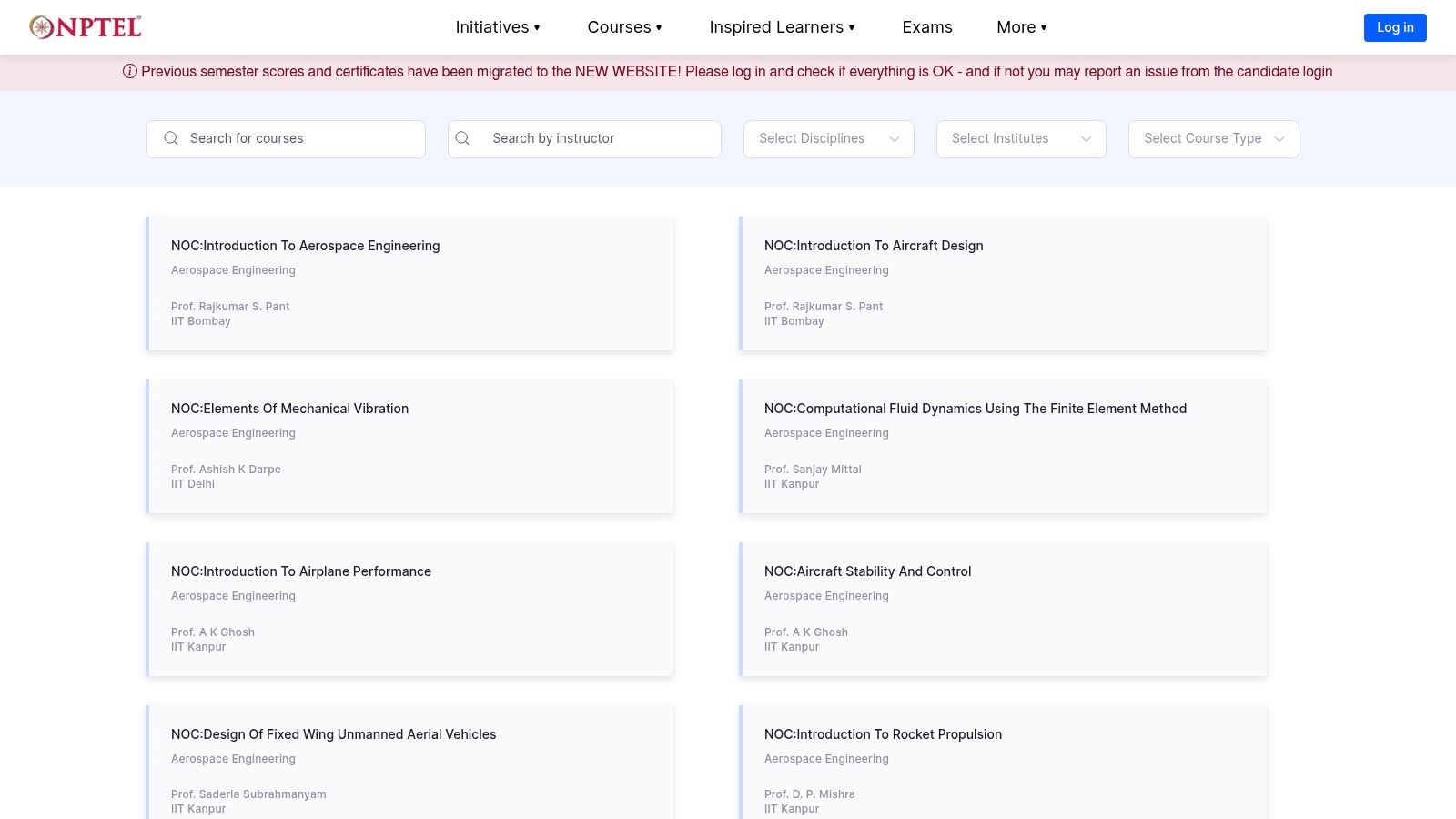
When you need a full second course on a subject, NPTEL (opens in a new tab) is hard to beat for range. Run by Indian institutes of higher education, its catalog spans algorithms, databases, computer architecture, compilers, programming, and theory of computation. Courses are taught by instructors from participating institutions and usually organized by week or topic.
That weekly structure gives you a clear progression through a subject. If your compilers module lost you in week three, you can follow another instructor's sequence from lexical analysis onward. Course enrollment and materials may be free, while certification or proctored exams can involve fees.
Strengths and limits
- Broad catalog: Advanced topics many note sites never cover.
- Clear sequences: Week by week organization mirrors a real module.
- Second explanations: A different instructor often clarifies a stuck concept.
Not every course provides downloadable notes or slides, so check before planning around it. Some materials require enrollment or tie to a particular offering. The catalog is also large enough that finding one specific concept can take effort. Search by exact topic name from your syllabus rather than browsing categories.
8. Princeton COS 330 Great Ideas in Theoretical Computer Science
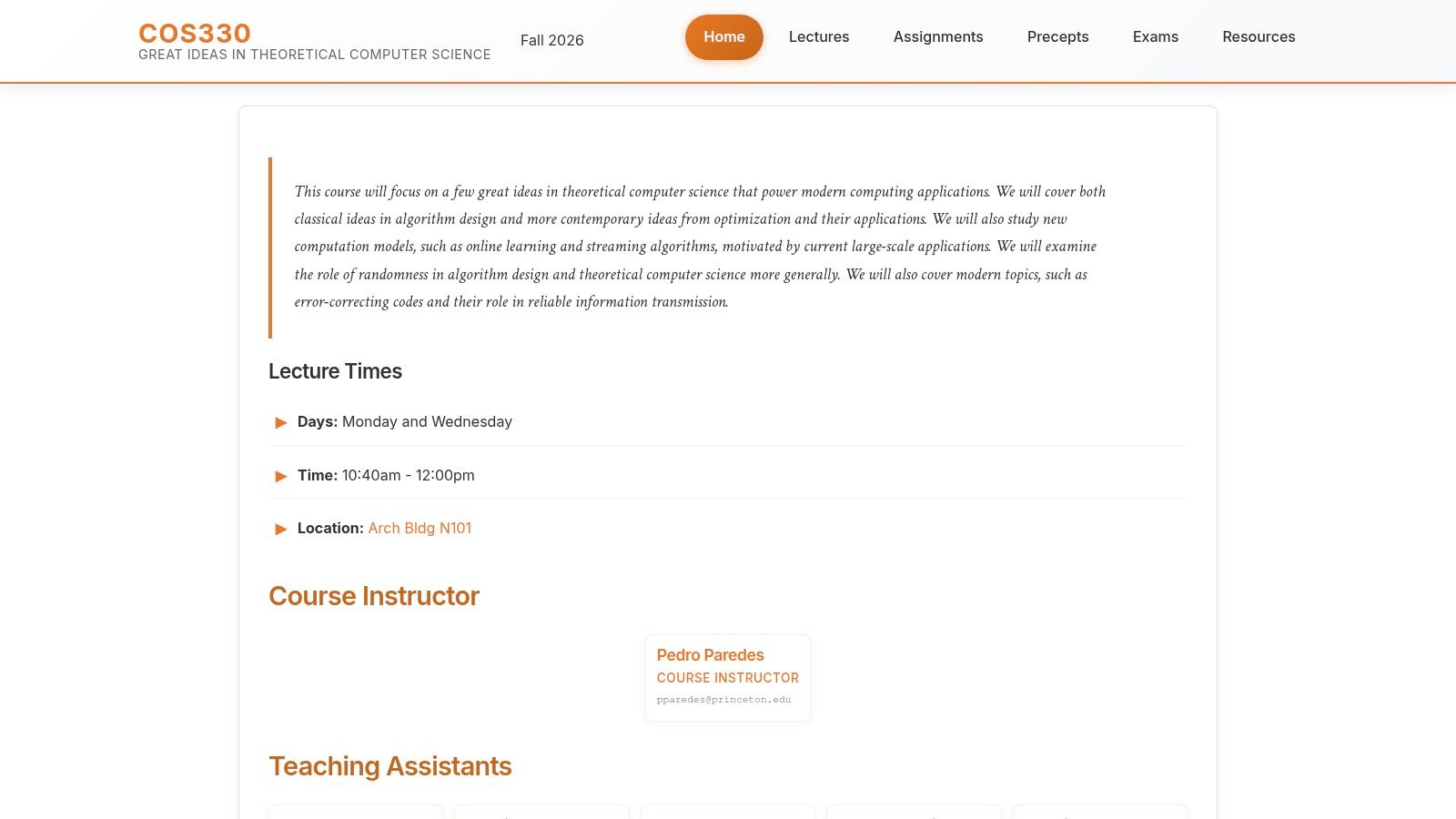
This is a single course site, and that's precisely its value. Princeton COS 330 (opens in a new tab) organizes lecture materials for theoretical computer science, covering algorithms, randomized methods, approximation, optimization, and information and codes. The lecture page links to notes or slides for individual sessions.
Because everything comes from one defined course, the sequence shows how topics connect. You can trace why randomized algorithms appear where they do instead of treating each result as isolated. For students whose theory module covers similar ground, that coherence beats a generic summary site.
Who should use it
- Advanced students: It assumes more mathematical background than introductory resources.
- Theory modules: Useful when your course covers approximation or randomized methods.
- Lecture by lecture review: Materials map to individual sessions.
Materials are spread across notes and slides rather than one continuous text, which makes offline reading less smooth. The archived course reflects a particular term, so it may not match current content elsewhere. There's no separate viewing fee stated on the public site. Check prerequisites. If you're still shaky on Big O proofs, consolidate that first.
9. EduCS.me
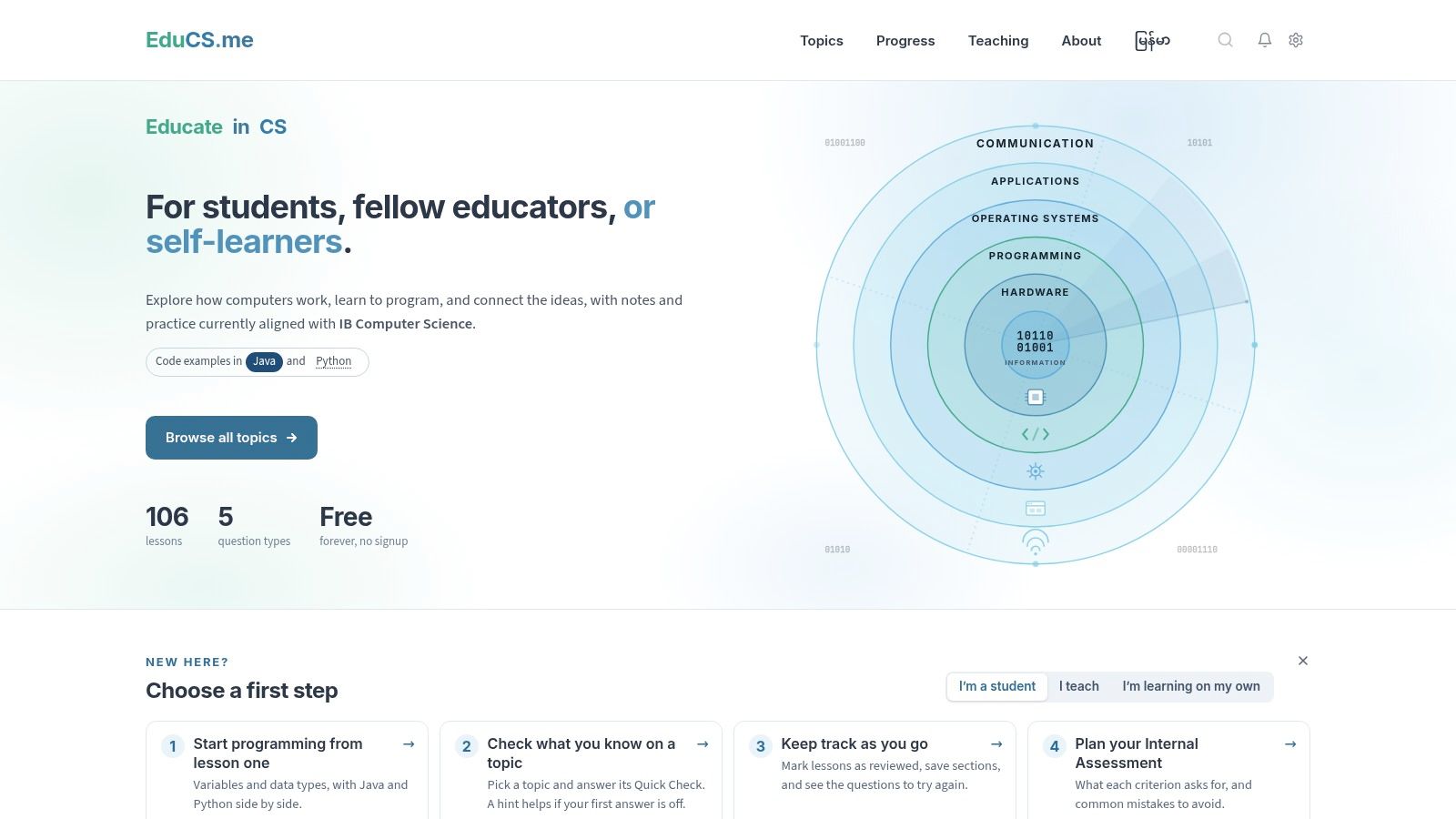
Curriculum alignment matters below university level too. EduCS.me (opens in a new tab) provides free notes, examples, and practice aligned with the International Baccalaureate Computer Science curriculum. It covers programming and other course topics with examples in Java and Python, plus question types and guidance for IB assessments and projects. The site states access is free and doesn't require signup.
What works well
- Practice questions: You can check recall instead of only rereading.
- Curriculum focus: IB students find explanations matched to their syllabus.
- Concrete examples: Code in Java and Python makes abstract topics tangible.
Chronological, curriculum based organization has a long track record. Carnegie Mellon's history of computing lecture sequence (opens in a new tab) organizes material into 12 principal topics, showing how structured sequences help students place each concept.
The IB emphasis limits relevance for most undergraduate modules, and it isn't a course specific archive of university lecture notes on computer science. Verify topics and assessment guidance against your current syllabus, since IB specifications change. First year undergraduates can still use it for quick refreshers on fundamentals they half remember.
10. CS Engineering Gyan (CSE Gyan)
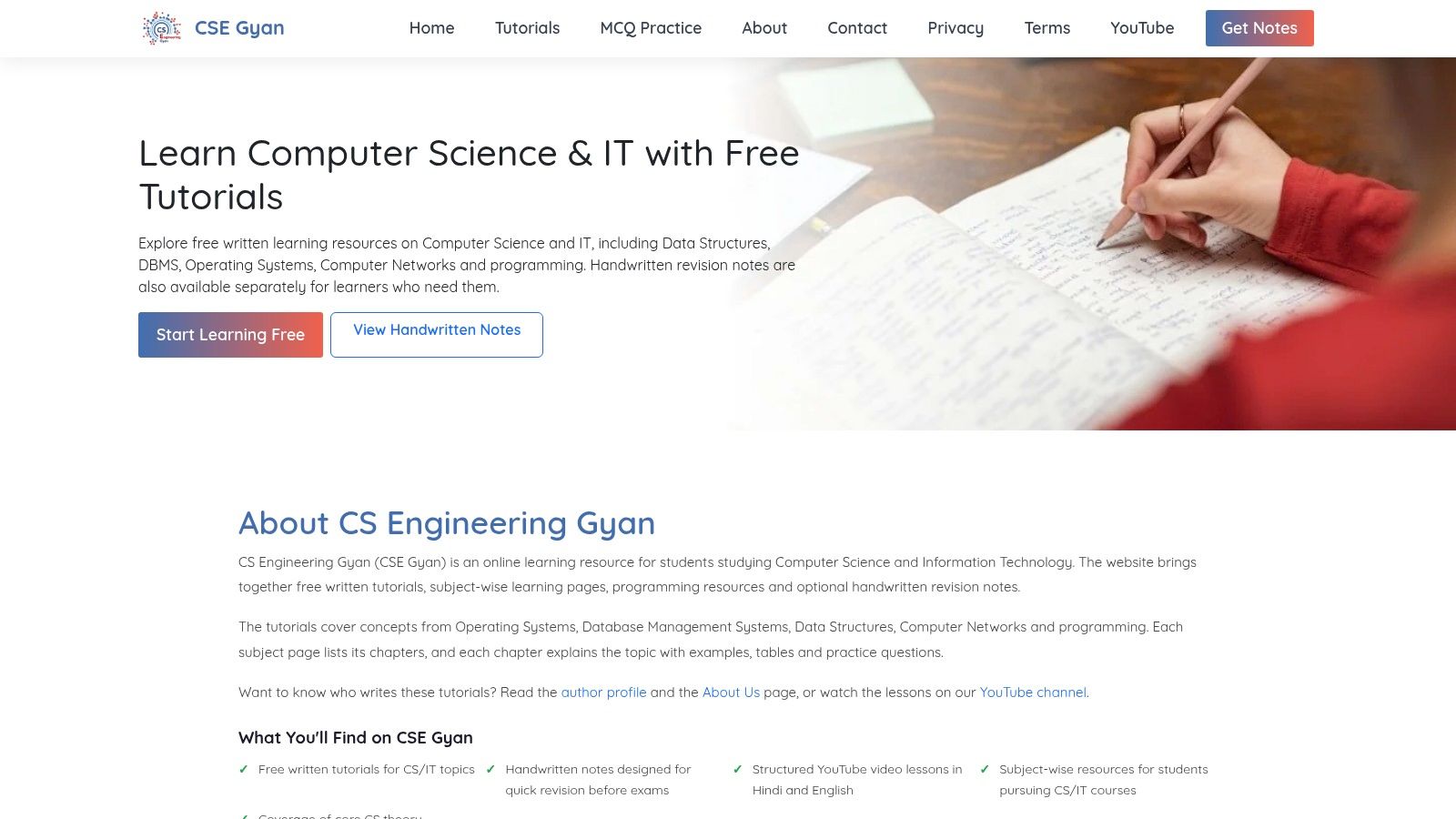
Sometimes you need one topic explained plainly, fast. CSE Gyan (opens in a new tab) offers free written tutorials organized by subject and chapter for computer science and IT students. Listed areas include operating systems, database management systems, data structures, computer networks, and programming, with written explanations, examples, and practice questions. The site also advertises handwritten revision notes and video lessons.
Digital habits make this format natural for most students now. A 2024 study published by Taylor & Francis (opens in a new tab) surveyed 123 students and found that 94% took notes during lectures; among those students, 69% took notes digitally.
Strengths and limits
- Targeted review: Topic pages suit last minute concept checks.
- Wide subject range: Common CS subjects in one place.
- Multiple formats: Written, handwritten, and video options.
Materials may not follow your exact course outline, and content targets CS and IT students generally rather than a specific university module. Formats and language availability vary by resource. Check the author, depth, and currency of individual pages before trusting a definition in an assignment.
Computer Science Lecture Note Sources at a Glance
Matching Notes to Your Course How to Choose and Adapt
Start with identity, not quality. Ask what course were these notes written for? Look for a course code, institution, academic year, textbook, or named curriculum. If you can't answer that question in thirty seconds, treat the material as background reading only.
Next, verify topic order against your module outline. Lay the notes' contents page beside your syllabus and mark matches, gaps, and extras. Extras waste revision time. Gaps are dangerous, because your exam will test what your lecturer taught, including the week the downloaded notes skip.
Check usability before you commit
Preview before spending time or money. Look for searchable text, clear heading hierarchy, code you can copy rather than screenshots, and diagrams with captions or descriptions. If notation relies only on color, or pages are scanned images a screen reader can't parse, the notes will slow you down regardless of content quality. The most navigable notes usually beat the longest ones.
- Completeness: Does coverage match your lecture sequence week by week?
- Notation: Do symbols and pseudocode conventions match your lecturer's?
- Assessment link: Are there worked examples resembling your exam style?
Repeated, searchable access is what makes notes useful during revision. A university study indexed by ERIC (opens in a new tab) found that 79% of students used lecture recordings to recover material missed during class, while 72% used them after being absent. Your notes should serve that same recovery function, organized by lecture and week.
Use notes with AI without weakening your coding
Use your notes as the conceptual map, then ask AI for graduated hints, not finished solutions. Annotate sections with checkpoints. Explain it in your own words, predict the output, implement it independently, then debug without help. A study in the ACM Digital Library (opens in a new tab) of 162 students across five course sessions and two campuses found GenAI helped students complete programming tasks, but students with weaker preparation who relied heavily on AI struggled with complex closed-book exams. Verify any AI output against lecture examples and your own tests.
Accessibility deserves the same deliberate check. Evidence in the ACM Digital Library on accessibility in computing education (opens in a new tab) describes a 2025 software-engineering course that integrated an accessibility sprint and reported improved technical skills. Prefer notes with selectable text, expanded acronyms, high contrast, and transcripts where recordings exist.
The practical setup is simple. Combine one course matched source as your revision backbone with one or two topical references for second explanations. Platforms organized by university, course code, and academic year make that backbone easier to find, especially when previews show the first pages in full.
Notes work best alongside attending lectures and doing your own problem sets. They're a reference and revision aid, not a replacement for either.
Search CramShare by your university, course code, or textbook to find lecture notes on computer science tagged to the exact module you're studying, and preview the first pages in full before you open anything. Browsing is free, so check whether a course matched set already exists for your exam before you spend another evening forcing generic notes to fit your syllabus.